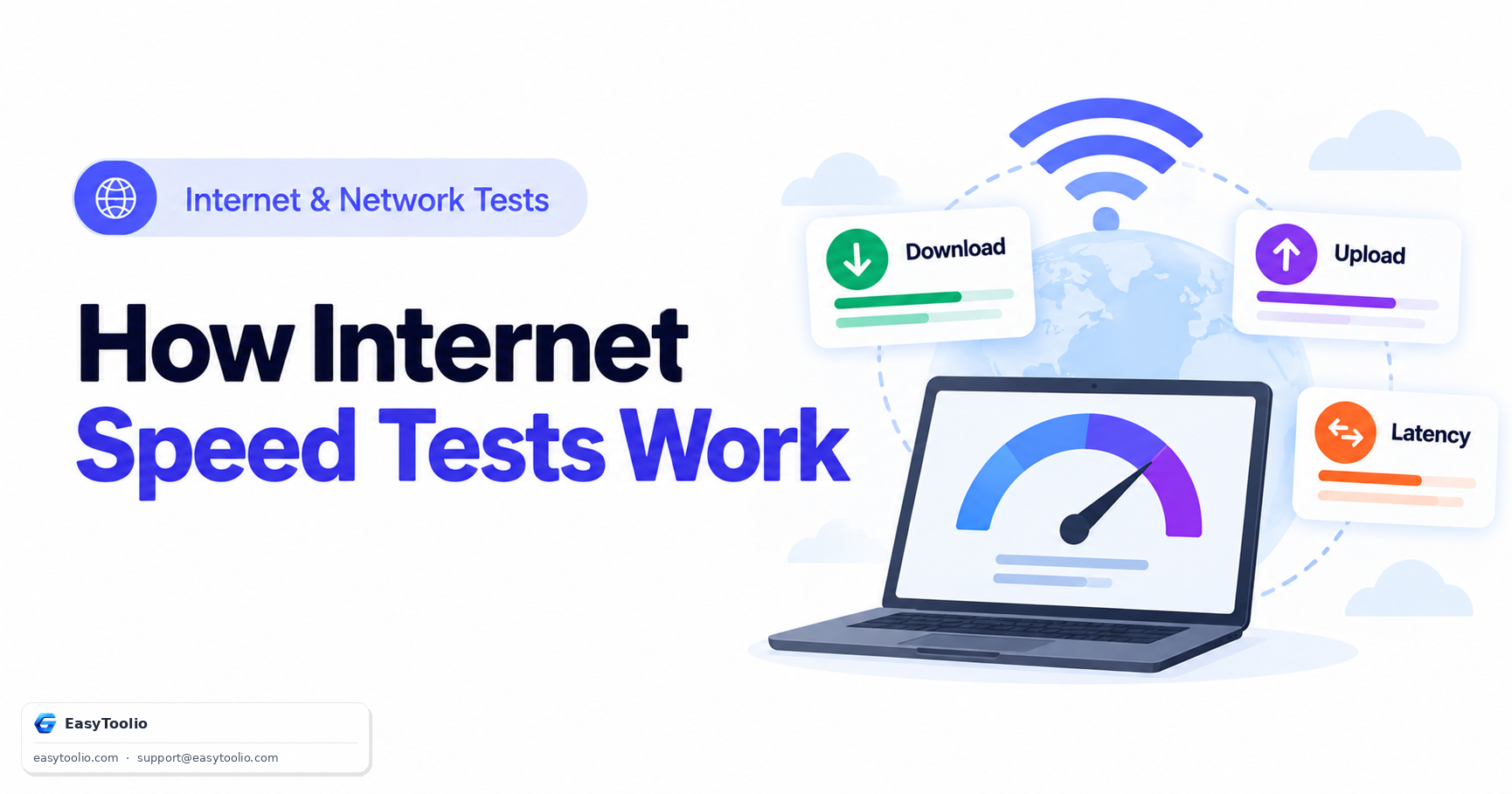
When you run an online speed test, your browser displays figures like 200 Mbps Download and 50 Mbps Upload, along with a ping and sometimes a jitter value. Understanding how speed testing engines calculate these numbers helps explain why speed test results differ from real file download speeds — and from each other.
Direct Answer: Online speed tests measure network throughput by transferring chunked data payloads over multiple parallel TCP connections or WebSockets between your browser and a nearby test server, while separately measuring round-trip time with lightweight ping packets. Speed is calculated using the formula:
Speed (Mbps) = (Bytes Transferred × 8) ÷ (Time in Seconds × 1,000,000)
1. Megabits (Mbps) vs Megabytes (MB/s)
A primary source of user confusion is the difference between Megabits per second (Mbps) and Megabytes per second (MB/s):
- Speed Tests Report in Megabits (Mbps): Networking standards measure raw data rates in bits (1 Byte = 8 Bits), a convention inherited from telecom line-rate measurement.
- Browsers & Download Managers Report in Megabytes (MB/s): File downloads measure file size in Bytes, following storage conventions.
Actual Download Speed (MB/s) ≈ Speed Test Result (Mbps) ÷ 8
Example: A 100 Mbps internet connection yields a maximum theoretical file download speed of roughly 12.5 MB/s (100 ÷ 8), before accounting for protocol overhead.
2. Multi-Stream TCP Throughput Testing
A single TCP connection is subject to TCP window scaling limits and round-trip latency constraints that cap how much data can be "in flight" at once. Modern speed tests open multiple parallel TCP streams (commonly 4 to 8, though implementations vary) simultaneously to saturate your connection and measure its true bandwidth capacity.
Single-Thread Test:  1 TCP Stream  ──► Limited by TCP window size & round-trip latency ──► Under-reports true bandwidth
Multi-Thread Test:   6 TCP Streams ──► Each stream ramps independently ──► Combined throughput saturates the link
Every new TCP connection must also pass through TCP Slow Start, where the sender transmits a small initial congestion window and roughly doubles it with each successful round trip until it detects the link's ceiling (or a packet drop signals congestion). On a high-latency connection, a single-thread test can spend a meaningful fraction of the test window still ramping up when the timer runs out — which is precisely why single-thread and multi-thread results diverge, and why most consumer speed tests default to multiple parallel streams.
3. How Loaded Ping and Jitter Are Measured Mid-Test
A more complete speed test also measures latency under load ("loaded ping"), not just idle ping before the transfer starts. This works by sending small ping/echo packets at regular intervals while the download or upload streams are actively saturating the connection, then comparing that loaded round-trip time against the idle baseline measured before the transfer began. A large gap between idle and loaded ping is the signature of bufferbloat (see our dedicated bufferbloat guide) — a connection can have excellent idle ping and mediocre download speed, or excellent download speed and terrible ping under load, and these are genuinely different, independently useful things to measure.
4. Protocol Overhead: Why "Line Rate" Isn't Achievable Throughput
Every layer of the network stack adds header overhead that eats into the raw bits transmitted: Ethernet framing, IP headers, TCP headers (or QUIC/UDP headers for newer HTTP/3-based tests), and TLS encryption overhead for HTTPS-based tests all consume a small percentage of the theoretical maximum. In practice, this means real-world achievable throughput is always somewhat below a connection's advertised "up to" line rate, even under perfect conditions — a gap of a few percent is normal and does not indicate a problem.
5. Why Speed Test Results Vary Between Servers, Times of Day & Devices
Running the same speed test twice in one day can produce noticeably different numbers. This is normal, and it comes down to a handful of variables outside the test itself:
| Variable | Why It Changes Your Result |
|---|---|
| Test Server Proximity | A server a few milliseconds away can be saturated almost immediately; a distant server spends more of the test window in TCP slow start and may never reach full throughput within the test's duration. |
| Time of Day (Peak Congestion) | During evening peak hours, shared ISP last-mile infrastructure (especially cable/DOCSIS neighborhoods sharing a local node) carries the most concurrent traffic, which can lower available throughput. |
| ISP Traffic Shaping | Some ISPs recognize speed-test traffic patterns and prioritize or provision extra capacity toward known test-server ranges, producing results that can run higher than everyday streaming or gaming traffic actually experiences. |
| Wi-Fi vs Wired | Wi-Fi throughput fluctuates with channel interference, distance from the access point, and client radio capability — the same connection can test meaningfully slower over Wi-Fi than over Ethernet. |
| Concurrent Device Load | A test run while another device is streaming 4K video or performing a large backup shares — and reduces — the bandwidth measured for your test. |
Direct answer to "which number is real": a speed test measures throughput to one specific nearby server, not your experience with a distant streaming or gaming service. Real-world performance also depends on that service's own server capacity, the number of network hops in between, and general internet routing — which is why a fast, low-latency local connection can still buffer video hosted on a slow or distant server, and why speed test numbers should be read as "my local connection's ceiling," not a guarantee of every online service's performance.
Test your connection throughput using our Internet Speed Test, measure latency and jitter with the Ping Test, check for load-induced latency spikes via the Bufferbloat Test, and inspect your connection and browser details in Browser Info.
6. Frequently Asked Questions (FAQs)
Why is my speed test result lower on Wi-Fi than on Ethernet?
Wi-Fi signal attenuation, wall obstruction, radio frequency interference, and wireless protocol overhead (which varies by Wi-Fi generation and negotiated link rate) all reduce achievable throughput compared to a direct gigabit (or faster) Ethernet connection.
Should I trust my ISP's own speed test more than a third-party one?
Not automatically. ISP-hosted speed tests often route traffic to servers inside the ISP's own network, which tends to produce a favorable, best-case result. Independent, ISP-neutral test servers generally give a more representative picture of throughput to the wider internet.
Why does my download speed test result differ from my actual file download speed?
File hosting servers, CDNs, and the download source's own bandwidth or per-connection caps often limit throughput below what your connection is actually capable of. A speed test isolates your local connection's capacity against a nearby, purpose-built server optimized for throughput testing; an ordinary file download is also constrained by the sending server's available capacity, its distance from you, and how many parallel connections it allows.
Why does my ping look great but my download speed still seems slow?
Ping and throughput measure different things — ping tests how quickly a small packet makes a round trip, while download speed tests how much data can be pushed through the pipe per second. A connection can have excellent latency (a fast, responsive path) but low bandwidth (a narrow pipe), similar to a short but narrow garden hose versus a long but wide one.
Do speed tests measure my actual internet plan speed accurately?
They measure the throughput actually achievable between your device and the test server at that moment, which is usually close to your plan's real-world capacity but is also affected by local Wi-Fi conditions, other devices on the network, and momentary network congestion — running the test a few times, ideally wired and with other devices idle, gives the most representative picture of your plan's true ceiling.
References: IETF RFC 6349 (Framework for TCP Throughput Testing), IETF RFC 5681 (TCP Congestion Control).