Notification
Go to Home All Tools Compare Glossary Blog Contact

HTTPS & SSL Certificate Checker

Check website SSL certificate validity, expiry date, SAN domain coverage, TLS version, HSTS security headers, and HTTP to HTTPS redirects online.

SSL / TLS Security Diagnostics

SSL Certificate Checker

Check your website's SSL certificate, HTTPS status, TLS connection, certificate expiry date, domain coverage, HSTS headers, and HTTP redirects online for free.

Target Website

SSRF Protected
Sample Presets:
Real-Time Diagnostic Notice

Performs real-time TLS stream handshake and parses X.509 certificate parameters. Local SSL checks evaluate host validity and expiry without storing private credentials.

Ready to Audit SSL / TLS Security

Enter any public domain or website URL on the left to inspect SSL certificate validity, expiry date, SAN domain coverage, HSTS security headers, and HTTP redirects.

SSL/TLS

AI SSL Security Advisor

Ask AI

Deep Dive: Understanding SSL / TLS Certificate Security

SSL and TLS certificates encrypt communications between web browsers and web servers, safeguarding passwords, credit card details, and personal data. Installing a valid SSL certificate and enabling HSTS headers ensures complete user trust and maintains search engine rankings.

Education

Understanding HTTPS Security & SSL/TLS Certificate Validation

01

SSL/TLS Certificate Validity & Expiration

SSL/TLS certificates encrypt browser-to-server traffic. Standard X.509 certificates have a maximum lifespan of 397 days (90 days for Let’s Encrypt). Monitoring expiration dates prevents expired certificate security warnings and browser access blocks.
02

Certificate Authority (CA) Trust & Chain Validation

Browsers require a complete chain of trust linking the server’s leaf certificate to an intermediate CA and a trusted root Certificate Authority. Incomplete certificate chains cause NET::ERR_CERT_AUTHORITY_INVALID errors.

03

TLS Protocol Versions & Deprecated Ciphers

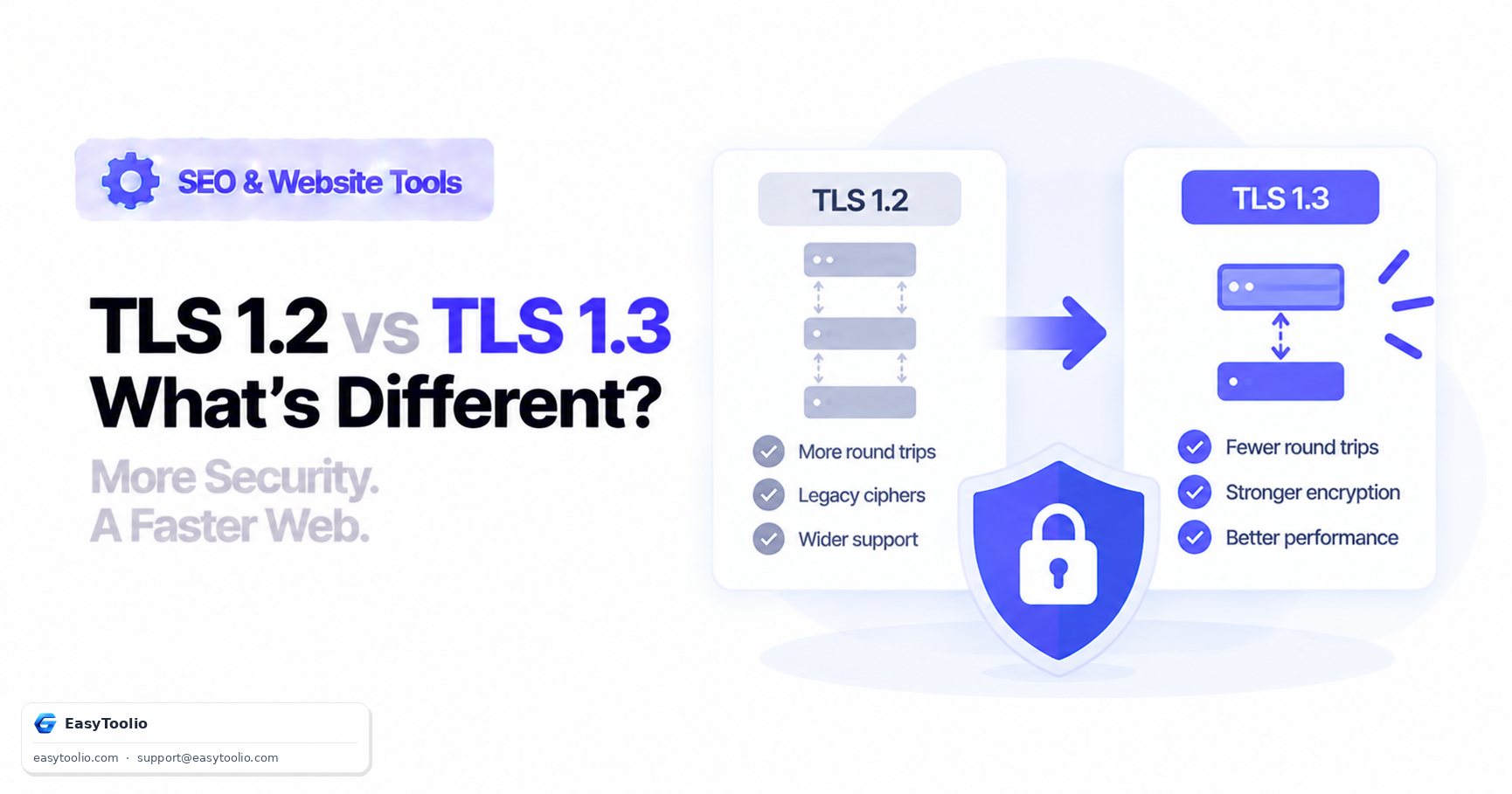
Modern HTTPS standards mandate TLS 1.2 or TLS 1.3 protocol support. Older protocols (SSL v2/v3, TLS 1.0, TLS 1.1) and weak ciphers are vulnerable to POODLE, BEAST, and MITM attacks and should be disabled on web servers.

04

Subject Alternative Names (SAN) & Wildcard SSL

SAN extensions specify all valid domain names, subdomains, and IP addresses protected by a single certificate. Wildcard certificates (*.example.com) cover all first-level subdomains under a master domain.

Good to know

Questions, answered

Quick answers about how this tool works.

An SSL/TLS Certificate Checker is an online security diagnostic tool that inspects a website's SSL/TLS certificate configuration. It parses the certificate issuer, validity date range, days remaining before expiration, Subject Alternative Names (SAN), hostname alignment, HTTP to HTTPS redirects, and HSTS headers.

SSL (Secure Sockets Layer) is the deprecated predecessor to TLS (Transport Layer Security). While people still colloquially refer to security certificates as "SSL certificates", modern web servers use TLS 1.2 or TLS 1.3 to encrypt website traffic and protect data confidentiality.

Our server parses the X.509 `validTo` date from the certificate and calculates the remaining days. EasyToolio applies transparent guidance thresholds: certificates with over 30 days remaining are marked Valid (PASS), certificates with 1 to 30 days remaining are marked Expires Soon (WARNING), and certificates past their expiry date are marked Expired (ERROR).

Subject Alternative Names (SANs) allow a single SSL/TLS certificate to secure multiple domain names and subdomains (e.g., example.com, www.example.com, shop.example.com, or wildcard *.example.com). Checking SAN coverage ensures all subdomains present valid certificates to visitors.

What do you need to work out next?

Search 244+ free tools by name, or pick a category below. Every one runs instantly in your browser — no signup, nothing to install.