What is a WHOIS Lookup?
A WHOIS lookup queries public database registries to retrieve registration details for domain names. It reveals the registrar name, creation date, domain age, expiration date, assigned nameservers, and ICANN status codes.
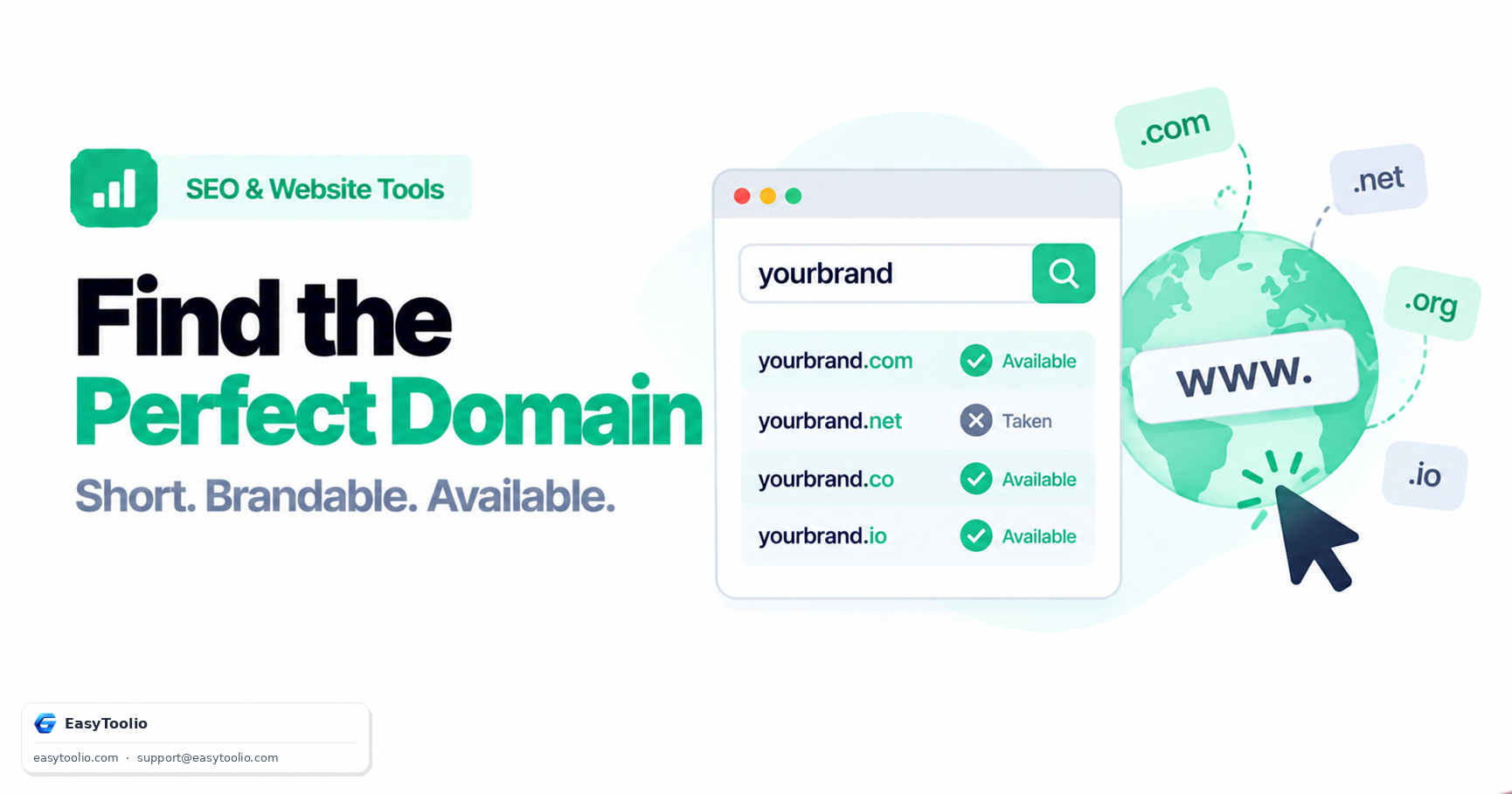
Look up domain registration details, registrar, domain age, expiration date, nameservers, and status with this free WHOIS/RDAP domain information checker.
Look up domain registration details, registrar, creation date, domain age, expiration date, nameservers, and status codes using standardized RDAP (RFC 9083) and WHOIS gateways.
Registrant personal details (name, email, phone, street address) are redacted in compliance with ICANN privacy specifications and GDPR regulations to protect domain holders from unsolicited marketing and phishing.
Notice: Domain age is a measure of registration longevity and is not a search engine ranking factor.
A WHOIS lookup queries public database registries to retrieve registration details for domain names. It reveals the registrar name, creation date, domain age, expiration date, assigned nameservers, and ICANN status codes.
RDAP (Registration Data Access Protocol) is ICANN’s standardized RESTful replacement for legacy WHOIS text services. RDAP delivers secure, machine-readable JSON data with enhanced privacy controls and internationalized domain support.
ICANN EPP status codes indicate a domain’s operational state. Common codes include "clientTransferProhibited" (prevents unauthorized registrar transfers), "clientHold" (suspends DNS resolution), and "autoRenewPeriod" (grace period after expiration).
Under ICANN privacy mandates and European GDPR regulations, individual domain registrant contact details (name, phone, address, email) are redacted by default to protect domain owners from spam and identity theft.
Tracking domain expiration prevents accidental downtime or domain loss. Expired domains typically enter a 30-day Registrar Renewal Grace Period followed by a 30-day Redemption Period before returning to public availability.
Brainstorm brandable names with our <a href="/domain-name-generator" class="text-cyan-400 hover:underline font-semibold">Domain Name Generator</a>, inspect global DNS updates via <a href="/dns-propagation-checker" class="text-cyan-400 hover:underline font-semibold">DNS Propagation</a>, verify SSL certificates with <a href="/ssl-certificate-checker" class="text-cyan-400 hover:underline font-semibold">SSL Checker</a>, and analyze security headers via <a href="/http-header-analyzer" class="text-cyan-400 hover:underline font-semibold">HTTP Header Analyzer</a>.
Quick answers about how this tool works.
Plain-language explainers that sit next to this tool.
Learn what makes a domain name brandable, how domain name generators combine keywords and blends, and how to properly check availability across TLDs before committing to a name.
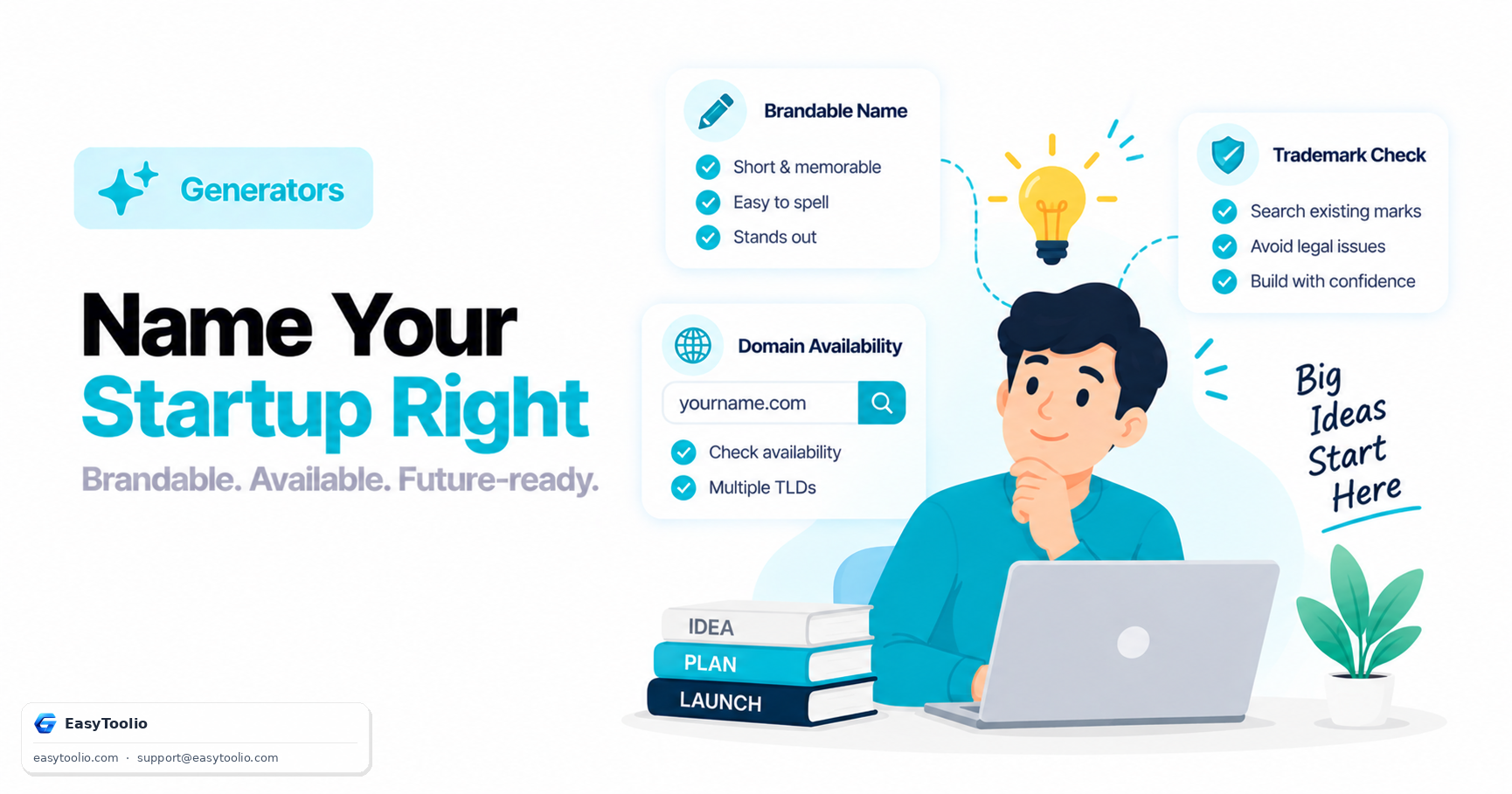
A brandable startup name is short, easy to spell, and distinct. Learn domain-first vs name-first naming approaches, basic trademark search steps, and the most common startup naming mistakes.
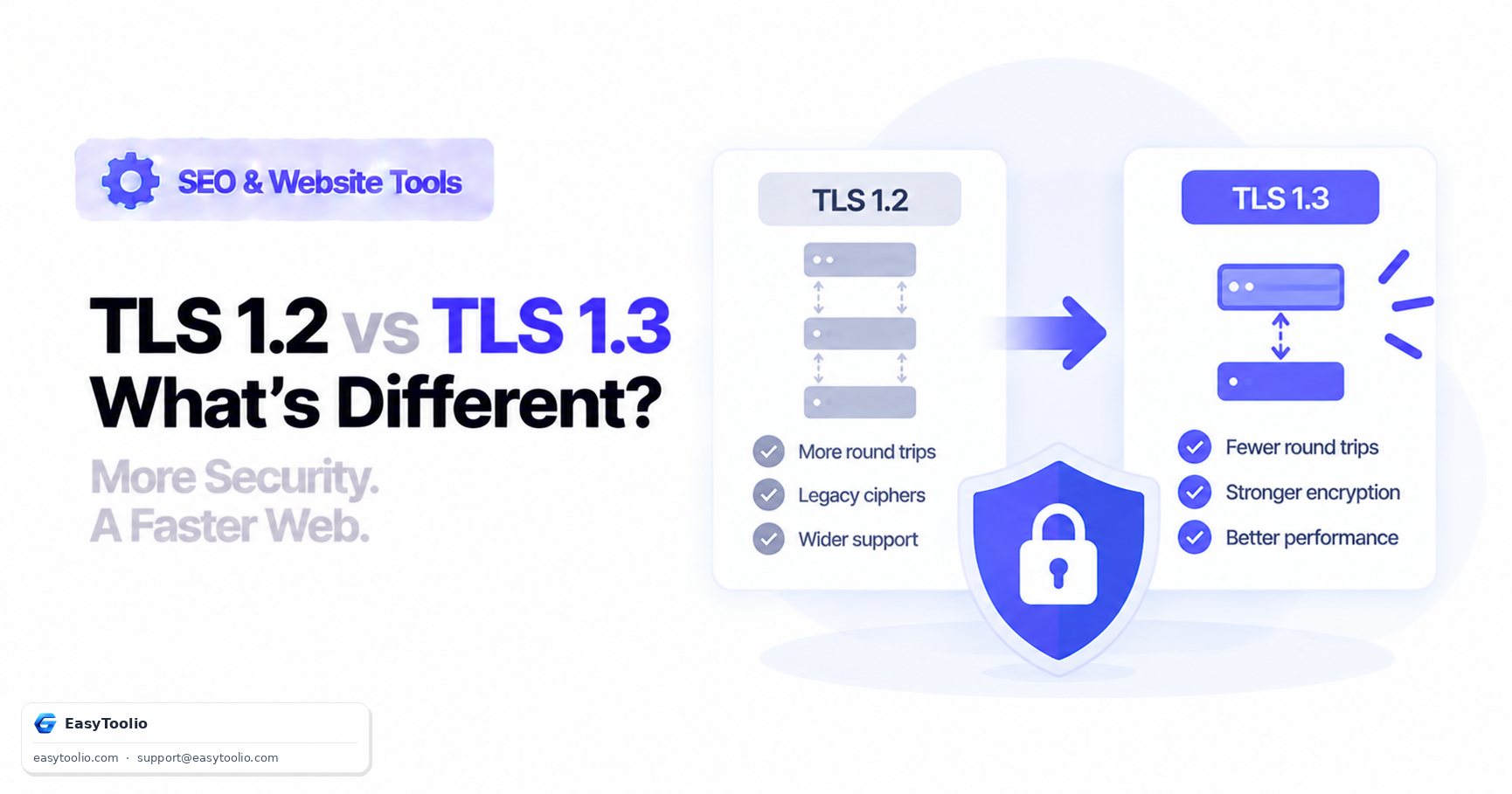
Understand the real differences between TLS 1.2 and TLS 1.3: fewer handshake round trips, removed legacy ciphers, and what to check with an SSL checker.
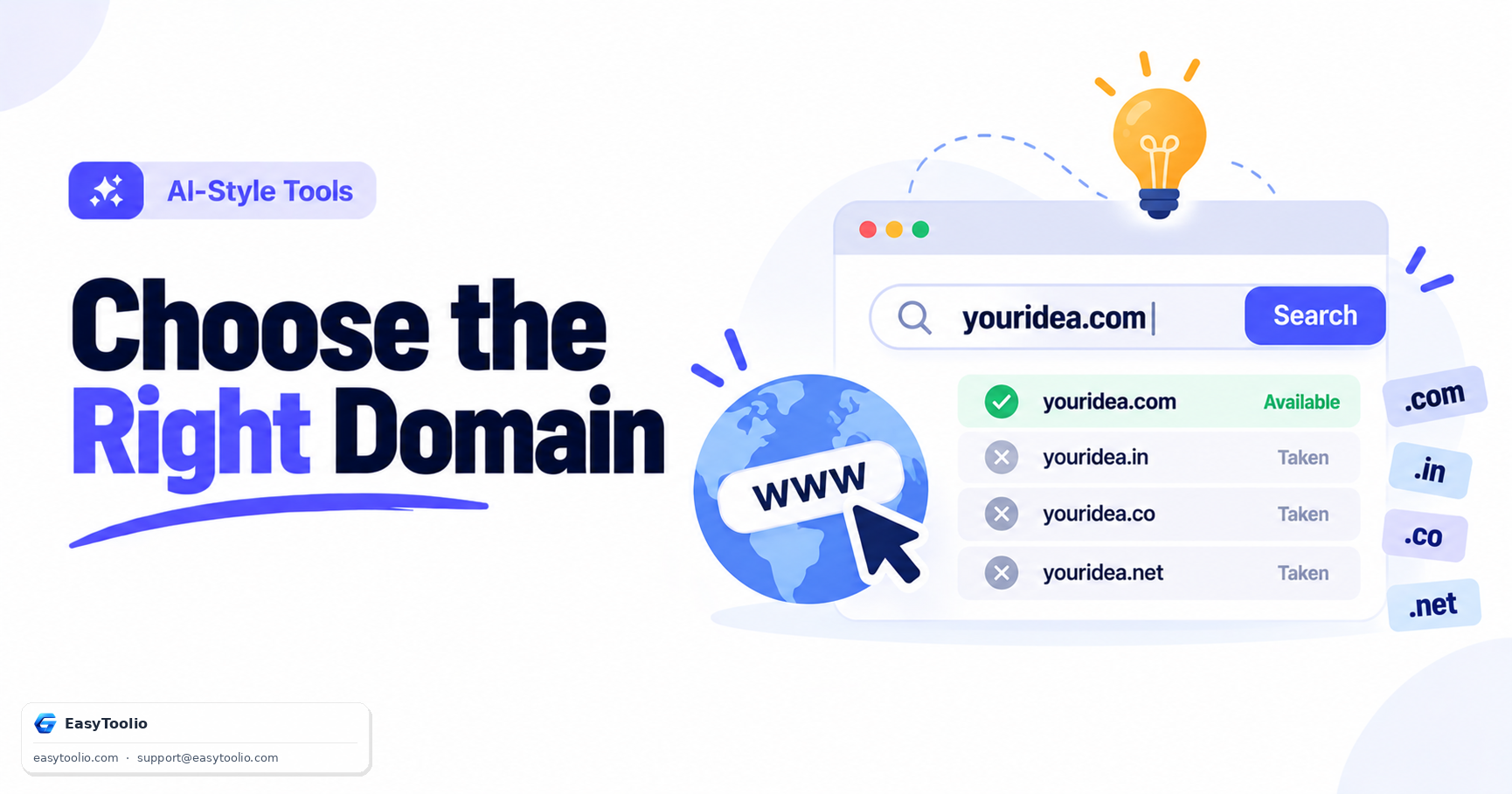
Picking the wrong domain name can quietly hurt your traffic and branding for years. Follow these seven rules before you register anything.
Search 244+ free tools by name, or pick a category below. Every one runs instantly in your browser — no signup, nothing to install.
Tap a star to rate us instantly.