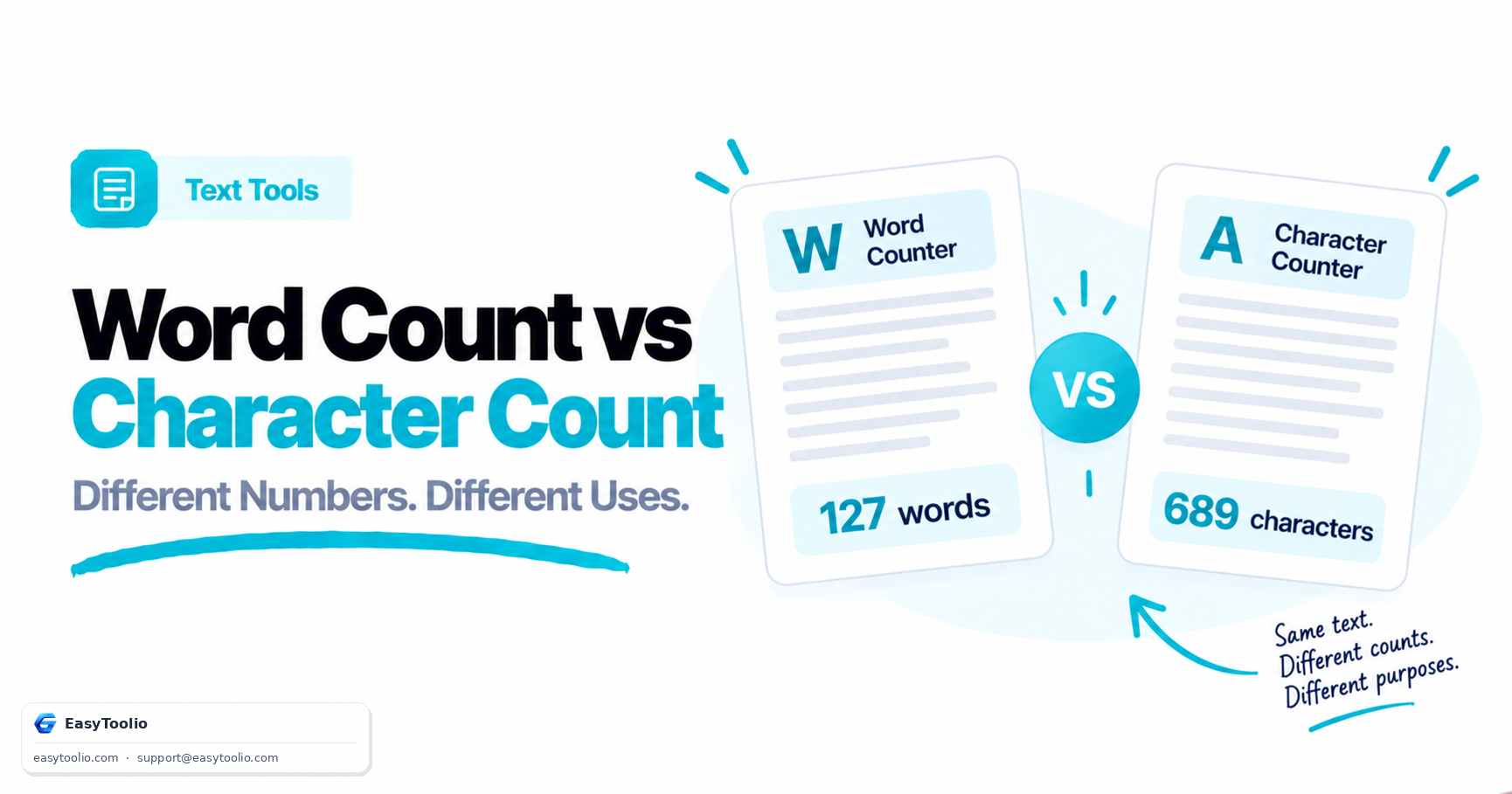
"Keep it under 160 characters" and "write at least 300 words" are two completely different instructions, yet writers often check the wrong metric for the task at hand. Word count and character count measure different things, and using the wrong one can get your meta description truncated in Google or your essay rejected for falling short of a word minimum. Here is exactly when each one matters.
What Each Metric Actually Measures
Word count counts the number of words in a text — sequences of characters separated by spaces or punctuation. It reflects the depth and length of content, which is why essays, blog posts, and academic assignments almost always specify a word count target.
Character count counts every individual character, including letters, numbers, spaces, and punctuation, sometimes reported both with and without spaces. It reflects how much visual/technical space text occupies, which is why platforms with fixed display or storage limits (tweets, SMS, meta tags, form fields) specify character limits instead.
The Formula (Sort Of)
There isn't a fixed conversion formula between the two because word length varies, but a commonly used English-language approximation is:
Average Character Count ≈ Word Count × 5.5 to 6 (including spaces)
This rough ratio assumes an average English word length of about 4.5-5 letters plus one space. It's useful for a quick sanity check but not reliable for strict limits — always measure characters directly when a hard character cap applies.
Worked Example
Take this sentence: "Toolio offers free online calculators for finance, health, and real estate."
- Word count: 11 words
- Character count (with spaces): 76 characters
- Character count (without spaces): 66 characters
Using the rough ratio: 11 words × 6 ≈ 66 characters — close to the actual with-spaces count, but not exact, which is exactly why you should never estimate a character-limited field like a meta description; you should measure it directly.
When to Use Word Count vs Character Count
| Use Case | Correct Metric | Typical Limit |
|---|---|---|
| Blog post / SEO article | Word count | 800-2,000+ words |
| Academic essay/assignment | Word count | As specified (e.g., 500, 1500 words) |
| Google meta description | Character count | ~150-160 characters |
| Google title tag | Character count | ~55-60 characters |
| SMS message | Character count | 160 characters per segment |
| Twitter/X post | Character count | 280 characters |
| Resume bullet point | Character count (readability) | ~100-150 characters per line |
| Product description depth | Word count | Varies, often 100-300 words |
Why This Matters for SEO Specifically
Search engines truncate title tags and meta descriptions based on pixel width, which correlates closely with character count — not word count. A meta description with only 8 words could still exceed 160 characters if those words are long, causing Google to cut it off mid-sentence with an ellipsis. Conversely, blog content ranking factors are more closely tied to word count and topical depth, since search engines evaluate whether an article thoroughly covers a topic. This is why professional SEO writing checks both metrics for different parts of the same page: word count for the article body, character count for the title and meta description.
Practical Workflow
When drafting an article, write for word count first to hit your target depth (say, 1,000 words for a competitive keyword), then switch to character count mode specifically for the meta title and meta description before publishing, since those are the fields Google displays directly in search results. Use our Word Counter to track word count, sentence count, and reading time while drafting long-form content, and switch to our Character Counter when you need to fit within a strict limit like a tweet, SMS, or meta tag.
Frequently Asked Questions
Q: Does Google count words or characters for meta descriptions? A: Google truncates based on pixel width, which correlates most closely with character count, so meta descriptions should be checked and kept under roughly 155-160 characters to avoid being cut off in search results.
Q: Which metric matters more for a college essay? A: Word count, since academic word limits are almost always specified in words (e.g., "1,000-word essay"), not characters, and instructors typically use word count to gauge depth of argument and coverage.
Q: Why do word count and character count tools sometimes show different word counts for the same text? A: Differences usually come from how hyphenated words, numbers, or special characters are tokenized — some tools count "well-known" as one word, others as two, so minor variations between tools are normal and not a bug.