Notification
Go to Home All Tools Compare Glossary Blog Contact

Bulk Barcode & QR Code Generator

Turn a list or CSV into hundreds of QR codes and barcodes (Code 128, Code 39, EAN-13, EAN-8, UPC-A, ITF). Every value is checked. Get a ZIP of PNG/SVG files or a print-ready PDF label sheet.

7 code typesQR, Code 128, EAN, UPC, ITF
5,000 rowsIn one go, in seconds
0 bytesUploaded to a server
FreeNo signup, no watermark

1. Your list

2. Code type

3. Design

4. Download

Tokens: {value} the value, {n} row number, {type} code type, {col:Header} another column. Unsafe characters are replaced and duplicates get -2, -3.

0Rows read
0Codes ready
0Skipped (errors)
0Repeats removed
Paste a list or drop a CSV file and your codes appear here. Every value is checked first, so a wrong code is never produced.

How to make barcodes and QR codes in bulk (4 steps)

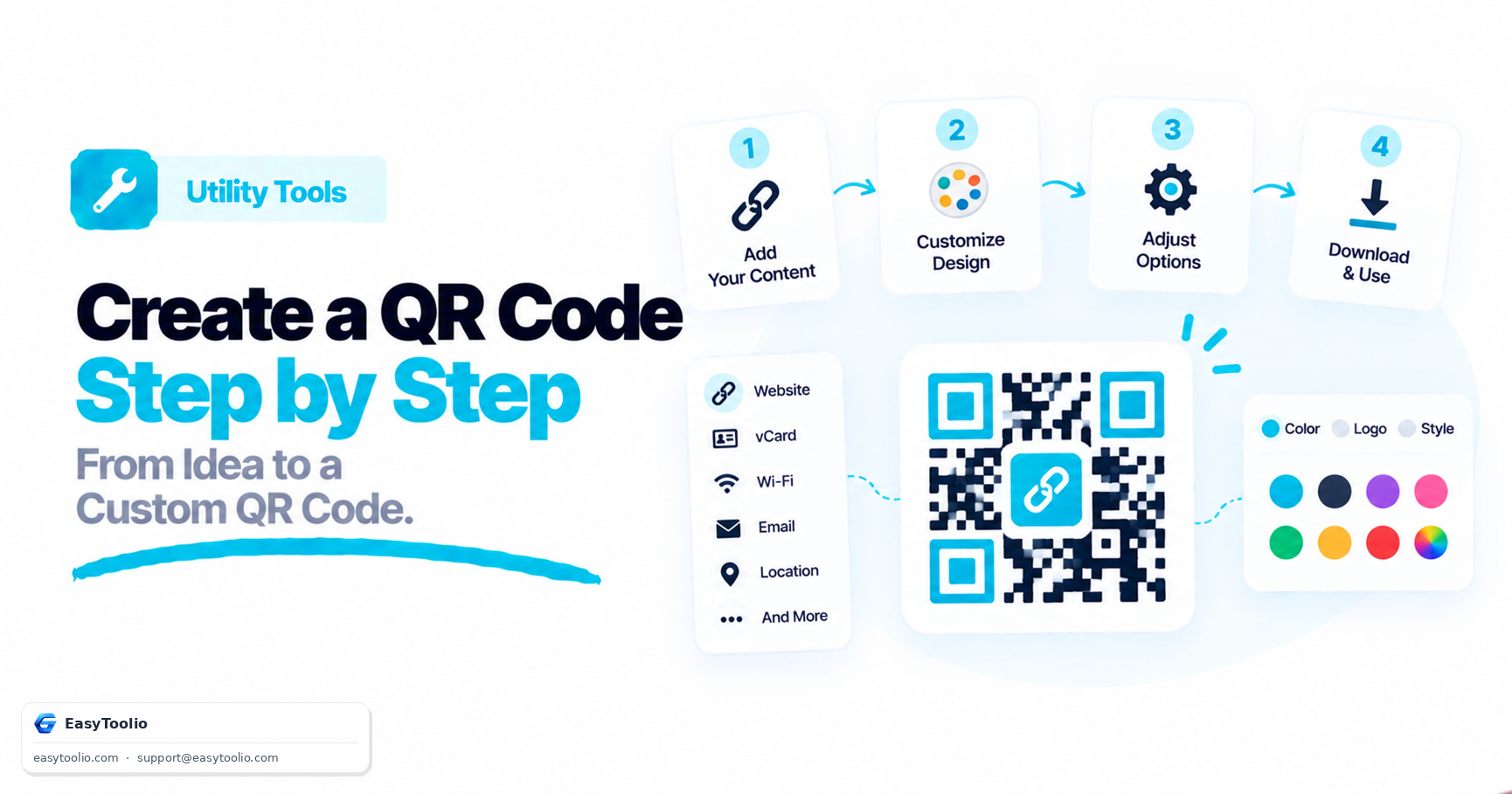
  1. Add your list. Paste one value per line or drop a CSV exported from Excel or your stock system. Pick the column to encode and, if you like, a second column to print under each code.
  2. Choose the code type. QR for links and text, Code 128 for any serial or SKU, EAN-13 or UPC-A for retail products, ITF for cartons. Values are checked against the rules of that type and any problem is listed row by row.
  3. Set the look. Size, colours, quiet zone and the text under the code. Dark codes on a light background scan best.
  4. Download. Get a ZIP of PNG or SVG files named after your values, or a print-ready PDF label sheet with a grid that matches your paper. Skip the first labels to reuse a half-used sheet.

Which code type should you use?

TypeAcceptsBest for
QR CodeAny text up to about 2,900 charactersLinks, Wi-Fi details, tickets, inventory tags scanned by phones
Code 128Letters, digits and symbols (ASCII)SKUs, serial numbers, shipping and asset labels
Code 39Digits, A-Z and - . space $ / + %Industrial and government labels, older scanners
EAN-1312 digits plus a check digitRetail products sold worldwide
EAN-87 digits plus a check digitVery small packs
UPC-A11 digits plus a check digitRetail products in the US and Canada
ITFAn even number of digitsCartons and cases, ITF-14 style labels
Education

Bulk Barcode and QR Code Guide: Format, Check Digits and Printing

01

Why Generate Barcodes in Bulk

A shop with 400 products, a warehouse tagging 2,000 bins or an event printing 800 tickets cannot make codes one at a time. A bulk generator reads a list once, checks every value, and produces one file per code plus a print-ready sheet. Because the file names come from your own values, the output drops straight into a product catalogue, a label printer or a mail merge without renaming anything.
02

Check Digits: The Reason Many Barcodes Fail

EAN-13, EAN-8 and UPC-A end with a check digit calculated from the other digits. If it is wrong, retail scanners reject the code or, worse, read a different number. Give this tool 12 digits for EAN-13 and it adds the check digit for you. Give it 13 digits and it verifies the last one, and a mismatch is reported as an error instead of being quietly changed, so a typo in your spreadsheet never turns into a printed label.

03

Choosing Between QR Codes and Linear Barcodes

A QR code holds far more data and can be read from any angle, which suits links and phone scanning. Linear barcodes are shorter, cheaper to print small and read by every laser scanner, and retail systems only accept EAN or UPC. Use EAN-13 or UPC-A for products sold through shops, Code 128 for internal tracking, ITF for outer cartons, and QR when a phone is the scanner.

04

Size, Quiet Zone and Colours

Scanners need empty space around a code, called the quiet zone: at least 4 modules for QR and about 10 for linear barcodes. Keep a strong contrast between code and background, ideally black on white; light codes on dark backgrounds, or low-contrast colours, fail on many scanners. For small labels use a larger module width rather than shrinking the finished image, and print at 100% scale without fit-to-page.

05

Printing Label Sheets

Pick a grid that matches your label stock, set the margin and gap in millimetres, and download a PDF that draws every code as sharp vector shapes. If you are reusing a sheet with some labels already gone, enter how many to skip so printing starts at the next free spot. Always print a test page on plain paper and hold it against the label sheet to confirm the alignment before using real labels.

06

Privacy and Limits

Your list never leaves your device. Parsing, encoding, zipping and PDF building all run in the browser, so customer lists and unreleased product codes stay private. One run handles up to 5,000 rows. For larger lists, split the file first and process the parts one after another.

Good to know

Questions, answered

Quick answers about how this tool works.

Save your sheet as CSV (File, Save As, CSV), drop it on the tool, choose the column that holds the numbers or text, pick the code type and download a ZIP. You can also paste values one per line. If your file has a header row the tool detects it, and you can print a second column, such as the product name, under each code.

Up to 5,000 rows per run. The checks and previews are instant, and building a ZIP of a few hundred PNG files normally takes a few seconds on a laptop. For longer lists, split the file and process the parts one after another.

The row is left out and listed in the "Rows that need fixing" table with the reason, for example "Wrong check digit (last digit should be 1)" or "Character é is not in Code 128". The tool never prints a wrong barcode silently. The ZIP also includes a skipped-rows.csv so you can correct the source list.

UPC-A has 12 digits and is used in the US and Canada. EAN-13 has 13 digits and is used in most of the rest of the world. A UPC-A number is simply an EAN-13 with a leading zero, so every UPC-A can be read as EAN-13. Both end with a check digit calculated from the other digits.

Was this tool helpful?

Be the first to rate Bulk Barcode & QR Code Generator

Tap a star to rate instantly

What do you need to work out next?

Search 276+ free tools by name, or pick a category below. Every one runs instantly in your browser — no signup, nothing to install.

More Utility Tools
AI ADVISOR & COACH

Ask AI Advisor

Ask AI