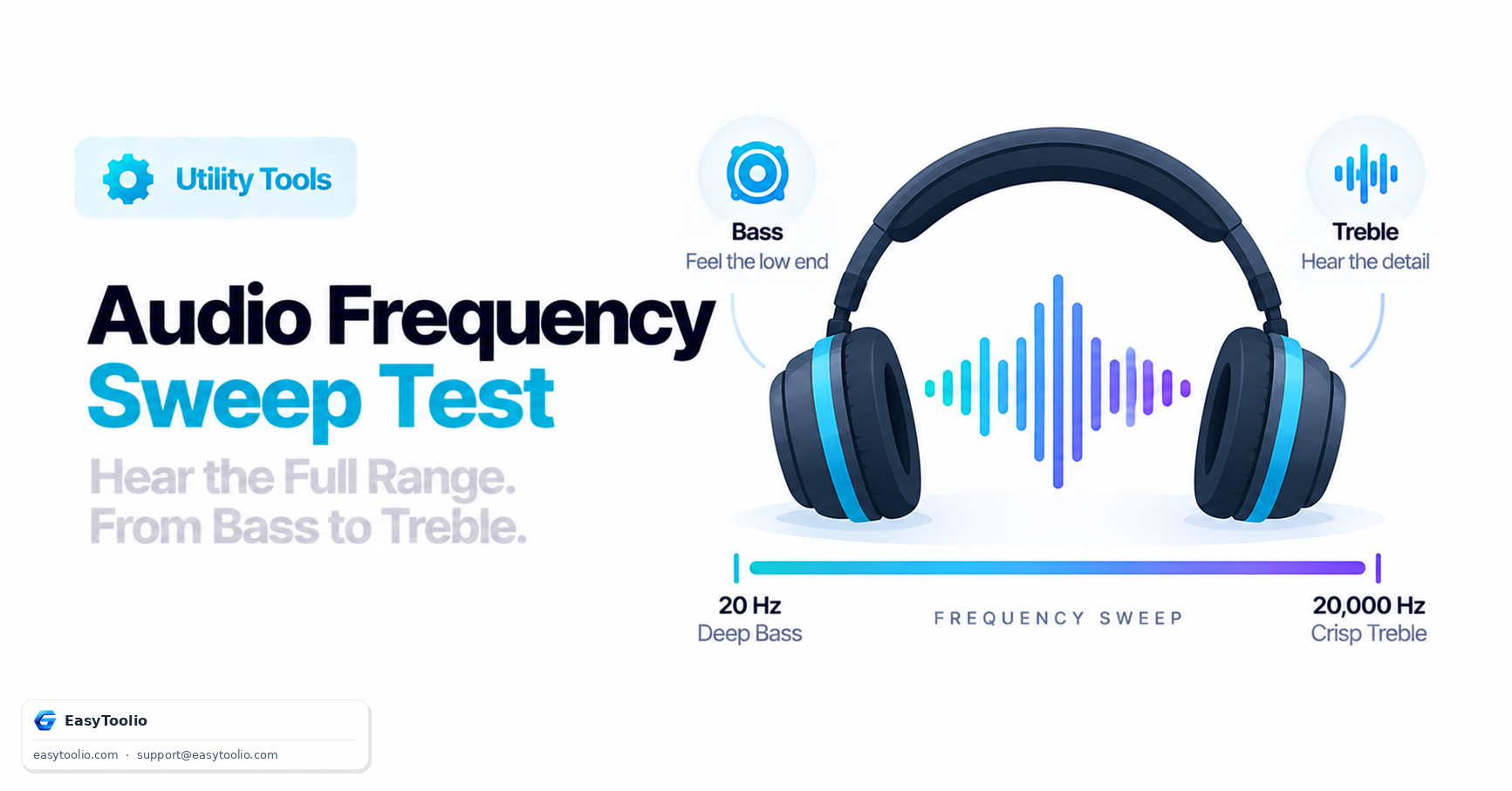
Evaluating any audio hardware — headphones, desktop speakers, soundbars — means checking how well it reproduces the full range of human hearing, conventionally cited as roughly 20 Hz to 20,000 Hz, though few adults actually hear the very top of that range. A frequency sweep is the standard tool for putting that range to the test.
Direct Answer: A frequency sweep test plays a continuous tone that smoothly rises (or falls) across the audible spectrum, from deep sub-bass up to high treble. Listening to a sweep lets you check sub-bass extension (how low the bass genuinely goes before it disappears), cabinet or driver rattle (buzzing or distortion at specific frequencies that shouldn't be there), left/right channel balance, and audible dips or peaks where the hardware over- or under-represents part of the spectrum compared to the rest.
1. The Audible Spectrum, Broken Into Bands
20 Hz ─────── 60 Hz ─────── 250 Hz ─────── 2 kHz ─────── 6 kHz ─────── 20 kHz
│  sub-bass   │  mid-bass   │    midrange   │  upper mids  │   treble    │
| Band | Approx. Range | What Lives Here | Common Hardware Challenge |
|---|---|---|---|
| Sub-bass | ~20–60 Hz | Deep rumble, low synth/bass drops | Needs a large driver and/or enclosure to reproduce at all |
| Bass | ~60–250 Hz | Kick drum, bass guitar fundamental | Prone to cabinet resonance and rattle if poorly built |
| Midrange | ~250 Hz–2 kHz | Most of human vocal range, many instruments | Most perceptually important band — errors here are the most noticeable |
| Upper mids/presence | ~2–6 kHz | Vocal clarity, instrument definition | Excess here sounds harsh; too little sounds muffled |
| Treble/air | ~6–20 kHz | Cymbals, sibilance, sense of "air" and detail | Reveals distortion and driver breakup most easily |
2. What to Actually Listen For During a Sweep
- Silence where there shouldn't be silence. If the tone smoothly fades out and back in at a specific frequency rather than staying at a constant perceived volume, that's a dip in the hardware's frequency response at that point.
- Buzzing, rattling, or distortion at specific frequencies. This is different from the tone itself — it sounds like an added mechanical noise layered on top of the pure tone, and it usually indicates a loose component, a panel resonating, or a driver being pushed past a clean operating range at that frequency.
- One channel dropping out or sounding notably quieter. Run the sweep on left and right channels separately (many test tools include this) to catch a channel imbalance or a failing driver on one side.
- Where the sub-bass genuinely disappears for you. Every speaker and headphone has a real low-frequency cutoff — below that point, energy either isn't produced at all or is so quiet it's inaudible even though the tone is technically still playing.
3. Why Small Speakers Can't Reproduce Deep Bass
Physically reproducing low frequencies requires moving a meaningful volume of air, which in turn generally requires either a larger driver, a larger enclosure, or both. This is why laptop speakers and phone speakers — constrained to a tiny driver in a tiny enclosure — reliably fail to reproduce true sub-bass, regardless of how good the amplifier or DAC behind them is. If a 30 Hz tone is silent on built-in laptop speakers, that's normal physical driver-size behavior, not a broken sound card or corrupted audio file.
4. How Browser-Based Sweep Tools Work
Web-based frequency sweep tools generate the sweep directly in-browser using the Web Audio API, which can produce precise, mathematically generated tones without needing an audio file:
// Generating a rising sine wave sweep with the Web Audio API
const audioCtx = new (window.AudioContext || window.webkitAudioContext)();
const oscillator = audioCtx.createOscillator();
oscillator.type = 'sine';
oscillator.frequency.setValueAtTime(20, audioCtx.currentTime);
oscillator.frequency.exponentialRampToValueAtTime(20000, audioCtx.currentTime + 10); // sweep over 10 seconds
oscillator.connect(audioCtx.destination);
oscillator.start();
Because the sweep is generated live rather than played back from a compressed audio file, it avoids the frequency response coloration that a pre-recorded MP3 or streamed file might introduce — the tone reaching your speakers is as close to a pure, evenly-leveled signal as the browser's audio engine can produce, which makes it a fair way to test the hardware itself rather than a recording.
Run a full stereo channel and frequency sweep check with our speaker test, test headphones specifically (including channel balance and comfort-volume checks) with the headphone test, verify your microphone input is equally clean with the microphone test, and check your whole setup at once with the full device check. If you also want help getting a clean input signal for recording or calls, see our guide on microphone gain staging.
5. Interpreting Results Fairly
A frequency sweep test is diagnostic, not a full frequency-response measurement — it tells you where something is obviously wrong (a dead channel, a rattling cabinet, an inaudible band that should be audible) far more reliably than it tells you the precise, fine-grained frequency response curve of your hardware, which really requires calibrated measurement equipment in a controlled environment. Treat a home sweep test as a useful sanity check, not a lab-grade specification.
Frequently Asked Questions
Why can't I hear the highest frequencies in the sweep?
Human high-frequency hearing naturally narrows with age — a phenomenon called presbycusis — so while young children can often hear close to 20 kHz, many adults comfortably hear only up to somewhere in the teens (commonly cited as roughly 14–16 kHz for many adults, though this varies a lot person to person). Not hearing the very top of a sweep is normal and doesn't necessarily indicate a hardware problem.
My speakers sound fine with music but the sweep exposes odd dips — is that normal?
Yes, to some extent. Music has constantly changing, layered content that can mask a narrow dip in frequency response, while a pure sustained tone makes any dip far more obvious. Small dips are common even on decent hardware; large, sudden dropouts are more likely to indicate a real fault.
Should sub-bass be completely silent on laptop speakers?
Often yes, or very close to it — this is expected physical behavior for small drivers rather than a defect. If you need real sub-bass reproduction, you need a speaker or subwoofer physically large enough to move that much air.
Can a frequency sweep damage my speakers or headphones?
At normal, comfortable listening volumes, no. Playing sustained tones at very high volume, especially at sub-bass frequencies that push a driver to its mechanical limit, carries more risk than typical program material, so keep sweep tests at a reasonable volume, particularly on headphones.
Is a frequency sweep useful for testing microphones too?
Indirectly — playing a sweep through known-good speakers while recording with a microphone can reveal how the microphone itself responds across frequencies, though room acoustics and speaker quality both affect the result, so it's a rougher test than measuring output hardware directly.