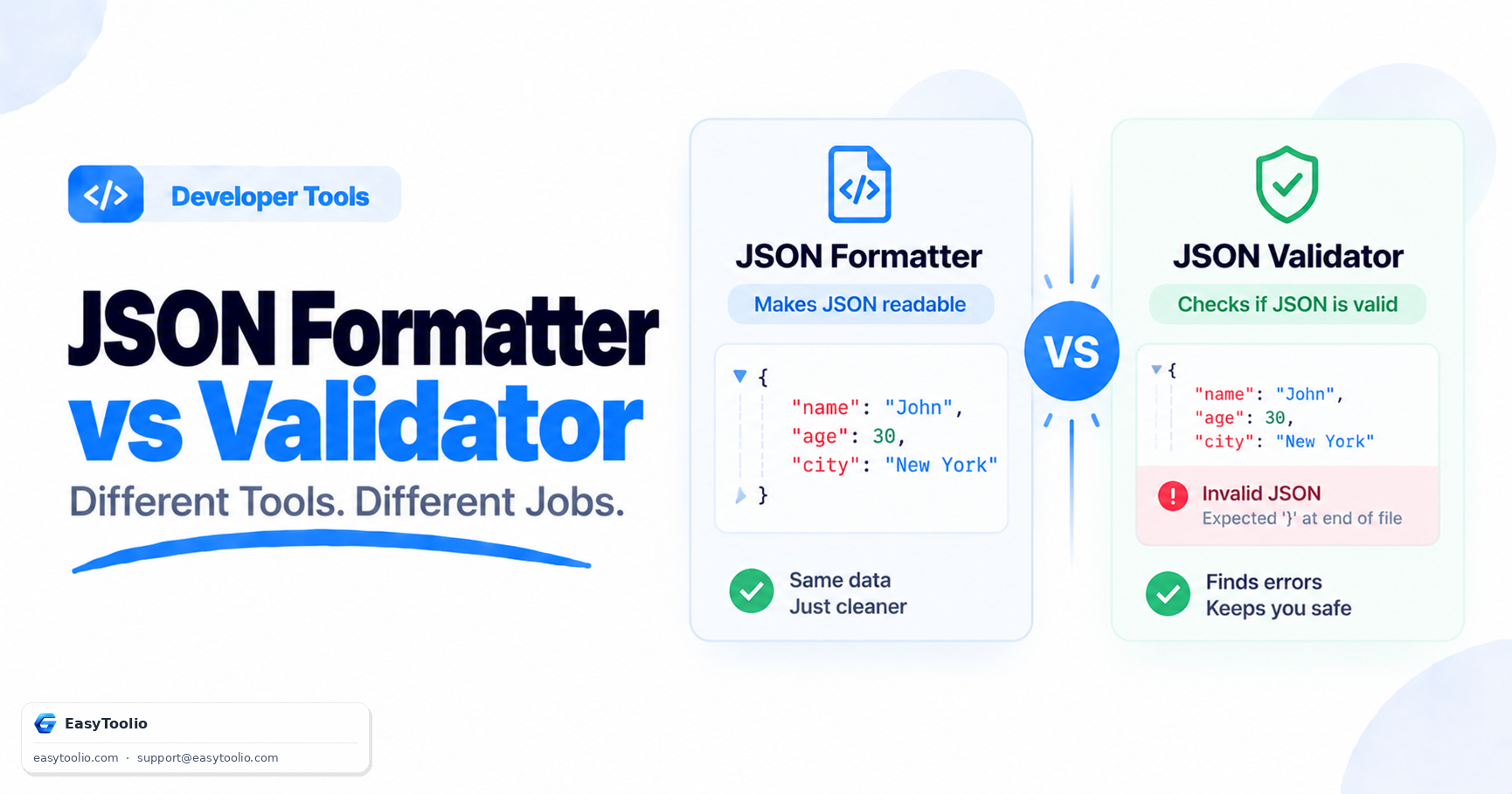
If you have ever pasted a wall of unindented JSON into a text editor and squinted at it trying to find a missing comma, you have needed both a JSON formatter and a JSON validator at different moments — and confusing the two wastes time. A formatter reorganizes JSON that is already valid so humans can read it. A validator checks whether JSON is structurally correct in the first place. They solve adjacent but distinct problems, and knowing which one you need saves a debugging session.
What a JSON Formatter Actually Does
Formatting, also called pretty-printing, takes valid JSON and adds indentation, line breaks, and consistent spacing around keys and values. It does not change the data — it changes only whitespace. A minified API response like this:
{"user":{"id":42,"name":"Ava","roles":["admin","editor"],"active":true}}
becomes, after formatting with 2-space indentation:
{
  "user": {
    "id": 42,
    "name": "Ava",
    "roles": ["admin", "editor"],
    "active": true
  }
}
Formatting assumes the input is already syntactically valid JSON. If you feed a formatter broken JSON — a trailing comma, an unquoted key, a stray semicolon — most formatters will either fail outright or silently produce garbled output, because their job is layout, not correctness checking. The JSON Formatter on Toolio handles this exact task: paste minified or inconsistently indented JSON and get a clean, readable, properly nested structure back instantly.
What a JSON Validator Actually Does
A validator parses the input against the JSON specification (RFC 8259) and tells you whether it is syntactically legal — nothing more. It checks things like: are all keys wrapped in double quotes, are there matching brackets and braces, are commas placed correctly between elements, and are values one of the allowed JSON types (string, number, object, array, boolean, null). It does not care about indentation, key order, or how the file looks visually.
A validator will catch subtle bugs that are invisible to the eye but break every JSON parser, such as:
{
  "name": "Ava",
  "age": 30,
}
That trailing comma after 30 is invalid JSON (unlike JavaScript object literals, which tolerate it). A JSON Validator flags this immediately with an error location, whereas a formatter might just choke or produce unexpected output. Other common validation failures include single quotes instead of double quotes, unescaped control characters inside strings, and duplicate keys in objects (technically allowed by the spec but a frequent source of bugs).
A Practical Workflow: Validate First, Then Format
When you receive JSON from an unreliable source — a third-party API, a log file, a manually edited config — the correct order of operations is validate, then format:
- Run the raw JSON through a validator to confirm it parses correctly and get a precise error location if it doesn't.
- Fix any syntax errors reported.
- Run the corrected JSON through a formatter to make it readable for code review, documentation, or debugging.
Skipping step 1 and going straight to formatting is the classic mistake: you get a confusing error from the formatter with no clear indication of where the problem is, because formatters are optimized for layout, not diagnostics.
When to Use Each
Use a validator when: you're debugging a "JSON parse error" exception in production, verifying a config file before deployment, or checking API request/response payloads during integration testing. Use a formatter when: you're reading a minified API response, preparing JSON for a code review or documentation, or converting a single-line JSON blob into something a teammate can actually scan visually.
Some tools combine both behaviors — attempting to format and reporting a syntax error if the input isn't valid — but treating them as separate mental steps makes debugging faster because you know exactly which failure mode you're dealing with.
Frequently Asked Questions
Q: Can I format invalid JSON? A: No. Formatting only rearranges whitespace around valid JSON structure. If the JSON has a syntax error, you need to validate and fix it first, otherwise the formatter output will be unreliable or it will simply reject the input.
Q: Does a JSON validator check my data types or business logic? A: No. A validator only confirms the input conforms to the JSON grammar (correct brackets, quotes, commas, and value types). It has no concept of whether "age": -5 makes sense — that requires schema validation, a separate and stricter process.
Q: Why does my JSON work in JavaScript but fail validation? A: JavaScript object literal syntax is more permissive than JSON — it allows unquoted keys, single quotes, and trailing commas. JSON itself is stricter, which is exactly what a validator is designed to enforce.