A deployment pipeline reads a YAML manifest, calls a JSON API, and somewhere downstream a legacy system still only speaks XML — and one silent conversion in the middle turns the string "7.10" into the number 7.1, breaking a version comparison nobody thought to test. This is not a hypothetical; it is the default failure mode of any pipeline that crosses format boundaries without discipline.
Most nontrivial projects do not get to pick one config format and stay there. Kubernetes manifests are YAML, the REST APIs those manifests configure speak JSON, and integrations with older enterprise systems — SOAP services, RSS/Atom feeds, some financial and healthcare data exchanges — still run on XML. Understanding exactly where each format's assumptions diverge is what keeps that multi-format pipeline from quietly corrupting data.
Direct Answer: JSON, YAML, and XML are not interchangeable at the byte level because each format encodes types and structure differently. YAML infers types implicitly (yes, no, on, off, and unquoted version-like strings can silently become booleans or numbers), JSON has exactly six types with no native date or comment support, and XML has no built-in scalar type system at all — everything is text unless a schema (XSD) says otherwise, and it uniquely allows the same piece of data to live as either an attribute or a child element, which converters must be told how to resolve. Safe conversion means validating structure at each format's own tool before and after conversion, not just piping one format into a converter and trusting the output.
1. Why One Pipeline Ends Up Speaking Three Formats
Each format won its niche for a specific reason, and that history explains why you cannot simply standardize on one. YAML's whitespace-sensitive, comment-friendly syntax became the default for human-edited configuration — Kubernetes, Docker Compose, GitHub Actions, and CI pipelines all use it because engineers need to read and hand-edit these files directly. JSON won the API-to-API transport layer because it maps cleanly onto JavaScript objects, has no ambiguous whitespace rules, and parses fast with minimal overhead. XML persists in enterprise and standards-heavy contexts — SOAP, RSS, XBRL financial filings, HL7 healthcare messaging — because it supports namespaces, formal schema validation, and mixed content (text interleaved with markup) that JSON and YAML were never designed to express.
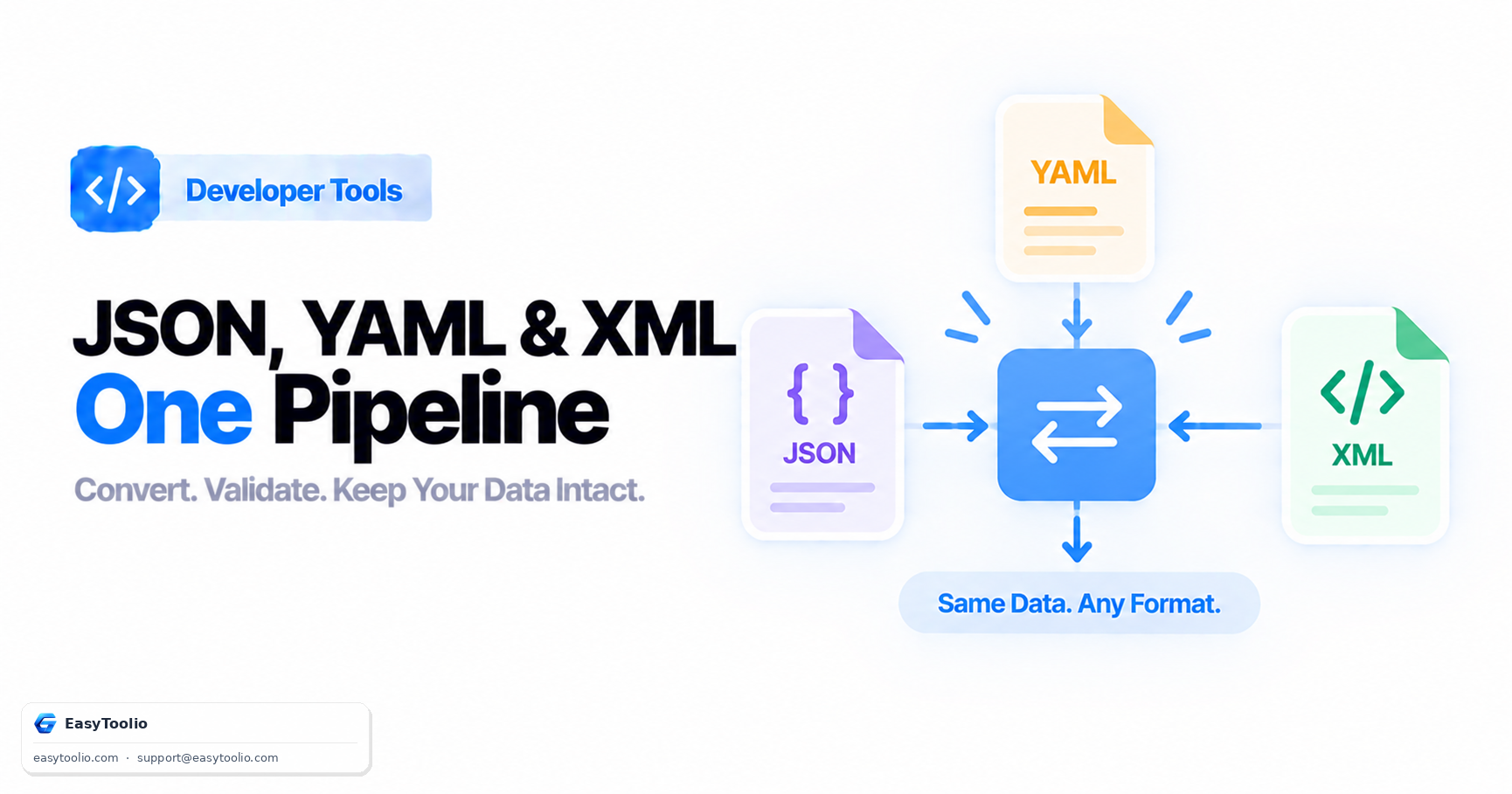
A typical deployment pipeline touches all three in sequence: a human writes YAML, a build step renders it to JSON for an API call, and a downstream legacy integration expects XML. Each handoff is a place data can quietly change shape.
2. Where Type Fidelity Breaks
YAML's implicit typing problem
YAML tries to be helpful by inferring types from unquoted scalars, and this is the single most common source of silent data corruption in config pipelines.
# Looks like a version string, parses as a float
version: 1.10   # becomes 1.1 in many parsers — the trailing zero is lost

# Looks like a string, parses as a boolean (YAML 1.1 core schema)
country: NO     # Norway's ISO code becomes `false`
enabled: yes    # becomes `true`, not the string "yes"
The fix is to quote anything that is semantically a string but syntactically ambiguous: version: "1.10", country: "NO". Running the value through a YAML formatter before it enters the pipeline will surface how the parser actually resolved each type, not just how it displays.
JSON's missing types
JSON has no native date type (dates are just strings, by convention usually ISO 8601), no comments, and no way to distinguish an integer from a float once the value is written without a decimal point — "count": 10 and "count": 10.0 are actually valid ways to lose information depending on how a downstream consumer parses the number type. Converting YAML to JSON means every YAML comment describing why a value is set gets silently dropped, since JSON has nowhere to put it.
XML's attribute-vs-element ambiguity
XML is unique in letting the same conceptual value live in two structurally different places:
<!-- As an attribute -->
<user id="482" role="admin">Jane Doe</user>

<!-- As a child element -->
<user>
  <id>482</id>
  <role>admin</role>
  <name>Jane Doe</name>
</user>
Both are valid XML for the same data, but a JSON-to-XML converter has to be told which fields become attributes and which become elements — there is no universal default, and get it wrong and a downstream XML consumer expecting role as an attribute will silently fail to find it as an element (or vice versa).
3. A Practical Multi-Format Validation Workflow
| Stage | Risk | Mitigation |
|---|---|---|
| Author YAML config | Implicit type coercion (yes/no, unquoted version strings) |
Quote ambiguous scalars; validate with a YAML formatter before commit |
| YAML → JSON conversion | Comments dropped, numeric precision changed | Diff key values before/after, not just structure |
| JSON payload sent to API | Trailing/leading whitespace, duplicate keys silently overwritten | Validate with a JSON formatter to catch malformed syntax and inspect key order |
| JSON → XML for legacy system | Attribute vs. element ambiguity, missing namespace | Confirm target schema (XSD) explicitly maps each field |
| XML received from legacy system | Mixed content, CDATA sections, encoding declarations | Validate with an XML formatter and check the declared encoding matches actual bytes |
Treat each arrow in that pipeline as a place to independently validate the format you're leaving and the format you're entering, rather than trusting a single conversion library end to end.
4. A Worked Example: The Same Config, Three Ways
# config.yaml
service:
  name: billing-api
  version: "2.3.0"
  retries: 3
  timeout_ms: 5000
{
  "service": {
    "name": "billing-api",
    "version": "2.3.0",
    "retries": 3,
    "timeout_ms": 5000
  }
}
<service>
  <name>billing-api</name>
  <version>2.3.0</version>
  <retries>3</retries>
  <timeout_ms>5000</timeout_ms>
</service>
Note that version stays a quoted string in all three — that discipline, applied consistently, is what prevents "2.3.0" from becoming the number 2.3 somewhere in the pipeline.
Frequently Asked Questions
Why does YAML turn "NO" into false?
YAML 1.1's core schema treats a specific list of unquoted words — y, n, yes, no, true, false, on, off (in various cases) — as booleans. Norway's ISO country code NO is a well-known casualty; the fix is always to quote it as "NO".
Can XML represent everything JSON can?
Yes, but not uniquely — the same JSON object can map to multiple valid XML shapes depending on attribute-vs-element choices, so a JSON-to-XML converter needs explicit rules, not just a generic default mapping.
Does converting YAML to JSON lose anything?
Comments are always lost since JSON has no comment syntax, and multi-line block scalars or anchors/aliases (YAML's reference feature) need to be fully resolved before conversion, since JSON has no equivalent shorthand.
Is it safe to just round-trip a config through an online converter?
Only if you validate both ends independently — run the source through its native format's validator, convert, then run the result through the target format's validator and diff the actual key values, not just check that the conversion "succeeded" without errors.
References: RFC 8259 (JSON), YAML 1.2 Specification, W3C XML 1.0 Recommendation.