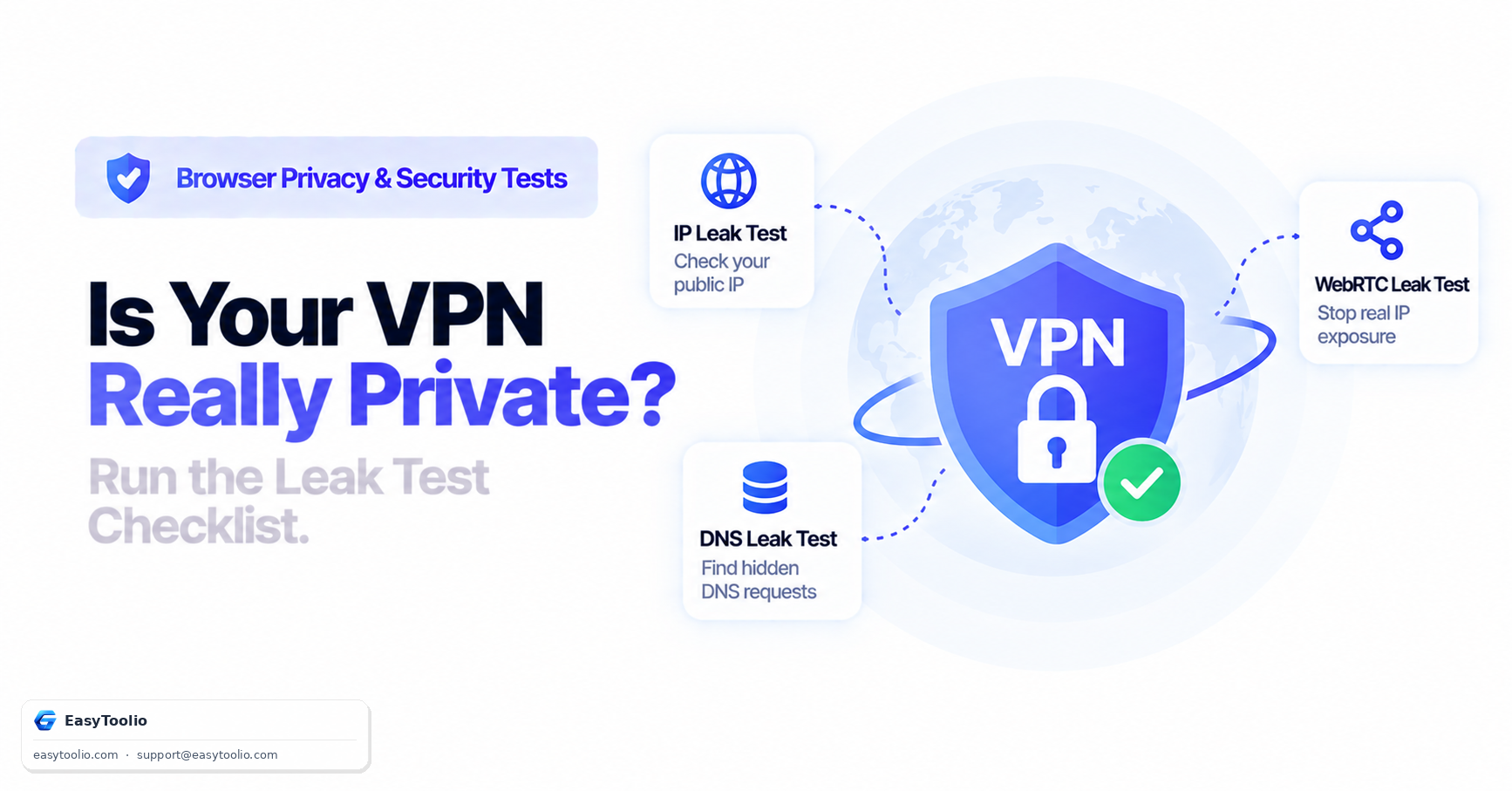
Your VPN client shows a green "Connected" badge and a new virtual location. That badge tells you the tunnel is up — it does not tell you that every single piece of network traffic your device generates is actually flowing through it. A VPN can be fully connected and still leak your real IP address through at least three separate channels running in parallel with the tunnel itself.
Direct Answer: A "connected" VPN can still leak your identity through three independent paths: WebRTC exposing local and public IP addresses via direct browser-to-STUN-server requests that bypass the tunnel, DNS leaking your browsing destinations if OS-level name resolution queries a resolver outside the VPN, and IPv6 leaking your real address if the VPN only tunnels IPv4 traffic and your network still has a live IPv6 route. A complete leak test has to check all three, because passing one does not mean you pass the others.
1. Why "Connected" Does Not Mean "Sealed"
A VPN client's job is to route your device's default network traffic through an encrypted tunnel to its exit server. It does this by adjusting your operating system's routing table. But several things on a modern device do not necessarily obey that routing table the way you'd expect:
Standard HTTP/HTTPS traffic ──► OS routing table ──► VPN tunnel ──► Exit server ✅
Browser WebRTC STUN request ──► Browser API (bypasses OS route) ──► Direct to STUN server ❌
OS DNS resolution           ──► May use pre-configured resolver ──► Direct to ISP/public DNS ❌
IPv6 traffic                ──► No IPv6 route inside tunnel ──► Falls back to native IPv6 ❌
Each of these three leak types has a different root cause, which is exactly why testing only one of them (say, just checking your VPN's stated exit IP) gives a false sense of security.
2. Leak Type 1: WebRTC (Browser API Bypass)
WebRTC is a browser feature used for real-time video/audio calls (Google Meet, Discord). To connect two browsers directly, it uses STUN (Session Traversal Utilities for NAT) requests to discover every reachable IP address on the device — local network adapters and the public-facing address — and hands that list to any webpage that asks for it via JavaScript's RTCPeerConnection API.
Because STUN operates at the browser API layer rather than the OS network layer, a VPN that only redirects standard socket traffic can miss it entirely. A malicious or simply analytics-heavy webpage can enumerate your real public IP this way even while your address bar traffic correctly shows the VPN's exit IP.
3. Leak Type 2: DNS (Resolver Outside the Tunnel)
Every domain name your browser visits first has to be translated into an IP address by a DNS resolver. If your operating system was configured to use a specific DNS server before the VPN connected — or if a feature like Windows' Smart Multi-Homed Name Resolution queries multiple resolvers at once — DNS lookups can continue going to your ISP's resolver in plaintext, completely outside the encrypted tunnel.
The practical consequence: your web page content is encrypted, but your ISP can still see the plaintext list of every domain name you resolved, effectively reconstructing your browsing history from the DNS trail alone.
4. Leak Type 3: IPv6 (Dual-Stack Fallback)
Many home networks and mobile carriers now assign devices a native IPv6 address in addition to IPv4. If a VPN client only tunnels IPv4 traffic — a common shortcoming of older or budget VPN software — any application or website that prefers an IPv6 connection will route straight over your native IPv6 address, bypassing the VPN's IPv4 tunnel entirely.
Dual-Stack Device: IPv4 route ──► VPN tunnel (protected) ✅
                    IPv6 route ──► Native ISP interface (unprotected) ❌
This is arguably the least visible of the three leaks, because most people only check "what's my IP" tools that report IPv4 by default.
5. The Complete Leak-Test Checklist
Run through all four steps in order, every time you connect to a new VPN server:
- Confirm the base IP change. Check that your visible public IP and country match the VPN server location, not your real ISP.
- Test for WebRTC leaks. Run a WebRTC leak check in your browser and confirm no local (
192.168.x.x) or real public IP appears in the candidate list. - Test for DNS leaks. Run a DNS leak check and confirm the resolver IP shown belongs to the VPN provider or a DNS server you explicitly configured — not your home ISP.
- Test for IPv6 leaks. Confirm no IPv6 address is returned at all (most VPNs correctly block IPv6 rather than tunnel it), or that any returned IPv6 address also matches the VPN's network.
If any single step fails, the fix is specific to that leak type: enable "Block Outside DNS" in your VPN client for DNS leaks, install a WebRTC-blocking browser extension or disable WebRTC entirely for browser leaks, and enable your VPN's "Block IPv6" or "IPv6 leak protection" setting for IPv6 leaks.
Run all three checks from one place using our interactive ip-vpn-leak-test, verify browser-level exposure with webrtc-leak-test, and confirm resolver routing with dns-leak-test.
6. Frequently Asked Questions (FAQs)
Do I need to test for leaks every time I connect, or just once?
Test whenever you switch VPN servers, update your VPN client, or change networks (e.g., moving from home Wi-Fi to a mobile hotspot), since routing behavior can change with each of these.
Why does my VPN pass the DNS leak test but still show my real IPv6 address?
DNS leak protection and IPv6 leak protection are separate features controlled by separate settings in most VPN clients. Passing one does not automatically mean the other is enabled — check both settings independently in your client's configuration menu.
Is a leak test result permanent, or can it change mid-session?
It can change mid-session. Some leaks are intermittent — for example, a brief DNS leak can occur for a few seconds right after your VPN reconnects following a dropped connection, before the client re-applies its routing rules.
References: IETF RFC 5389 (Session Traversal Utilities for NAT), IETF RFC 8484 (DNS Queries over HTTPS).