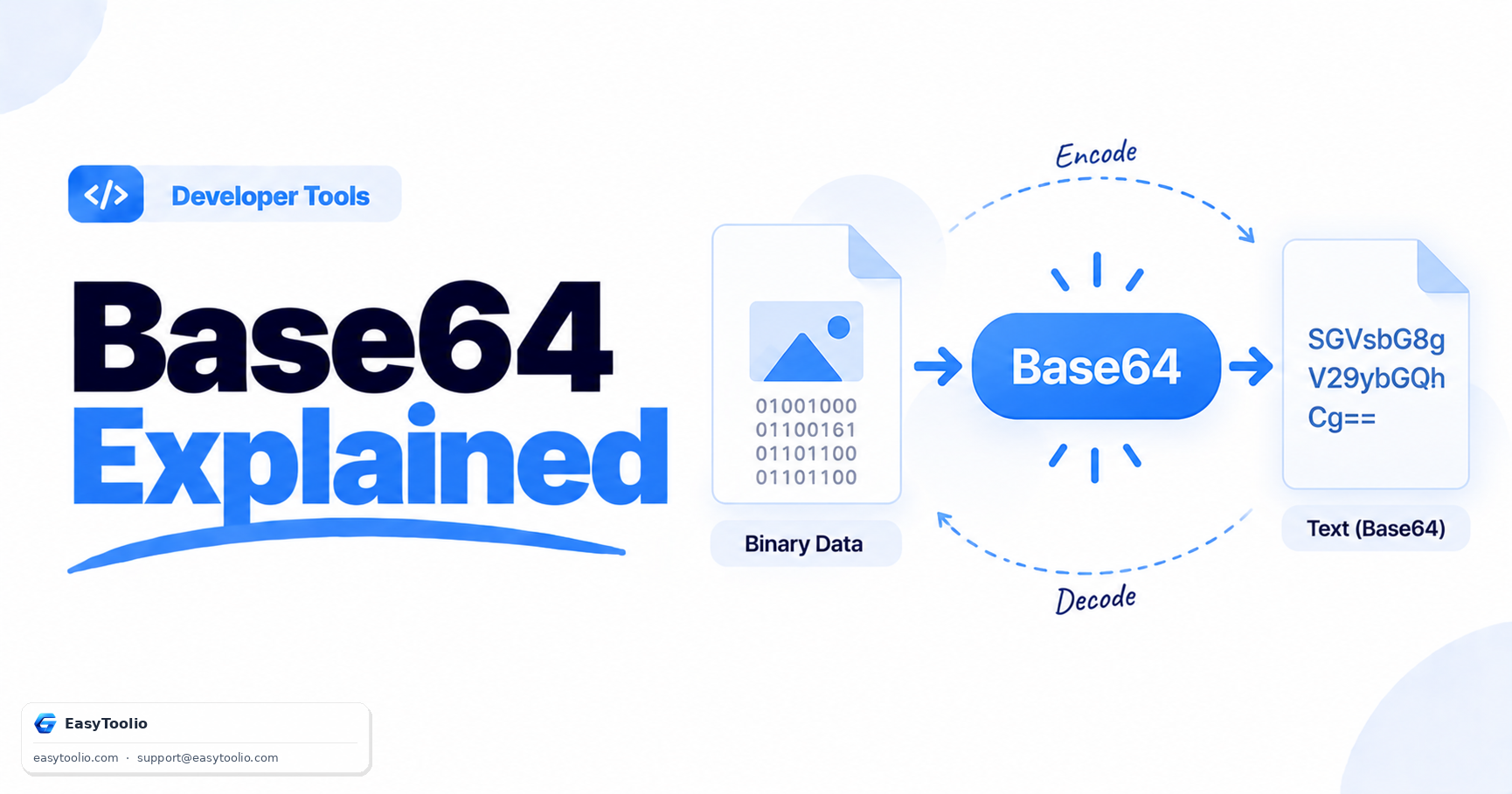
Base64 is one of the most misunderstood terms in web development — people call it "encryption" when it provides zero security, and reach for it in situations where it's actively the wrong tool. Base64 is simply a way of representing binary data using only printable ASCII characters, and understanding that one fact clears up most of the confusion.
How Base64 Encoding Works
Base64 encodes binary data using a 64-character alphabet: uppercase letters A-Z, lowercase a-z, digits 0-9, plus + and / (with = used as padding). It works by taking 3 bytes (24 bits) of input at a time and splitting them into four 6-bit groups, each of which maps to one of the 64 characters. Because 6-bit groups can only represent 64 values, this is where the name comes from.
Here's a concrete example. The string Man (3 bytes: M=77, a=97, n=110) encodes to:
Input:  Man
Base64: TWFu
And a longer example showing padding, since Base64 processes input in 3-byte chunks:
Input:  Hi
Base64: SGk=
The = pads the output when the input isn't a multiple of 3 bytes. This 3-bytes-in, 4-characters-out ratio is exactly why Base64-encoded data is roughly 33% larger than the original binary — 3 bytes of input always becomes 4 bytes of output, a 4:3 expansion.
Base64 Is Not Encryption
This is worth repeating explicitly: Base64 provides no confidentiality. It's a reversible, non-secret encoding scheme — anyone can decode a Base64 string back to its original form with zero keys or passwords, using any standard library or the Base64 Encoder/Decoder. If you see a password or API token stored as Base64 in a config file or database, treat it as plaintext, because functionally it is. Base64 is about representation (making binary data safe to transmit as text), not about protection.
When You Actually Need Base64
Base64 solves a specific, narrow problem: transmitting or storing binary data in systems designed for text. Real use cases include:
- Embedding images in HTML/CSS as data URIs (
data:image/png;base64,...) to avoid extra HTTP requests for small icons. - Email attachments (MIME), since SMTP was originally designed for 7-bit ASCII text and can't reliably carry raw binary.
- Encoding binary data in JSON or XML, formats that only support text, when you need to include something like an image thumbnail or a cryptographic key.
- HTTP Basic Authentication headers, where
username:passwordis Base64-encoded (not encrypted) before being sent — which is exactly why Basic Auth must always be used over HTTPS.
When You Should NOT Use Base64
Don't use Base64 when you actually need security — use proper encryption (AES) or hashing (SHA-256) instead, since Base64 is trivially reversible. Don't use it just to make data "safe" for a database column — most modern databases and drivers handle binary types (BLOB, bytea) natively without needing text encoding. And don't use it as a way to obscure sensitive data in logs or URLs; it's decodable in one line of code by anyone who finds it.
Frequently Asked Questions
Q: Does Base64 make my data smaller? A: No, the opposite. Base64 increases size by approximately 33% because it represents every 3 bytes of binary data as 4 ASCII characters, which is a necessary tradeoff for text-safe transmission, not a compression technique.
Q: Is Base64-encoded data safe to put in a URL?
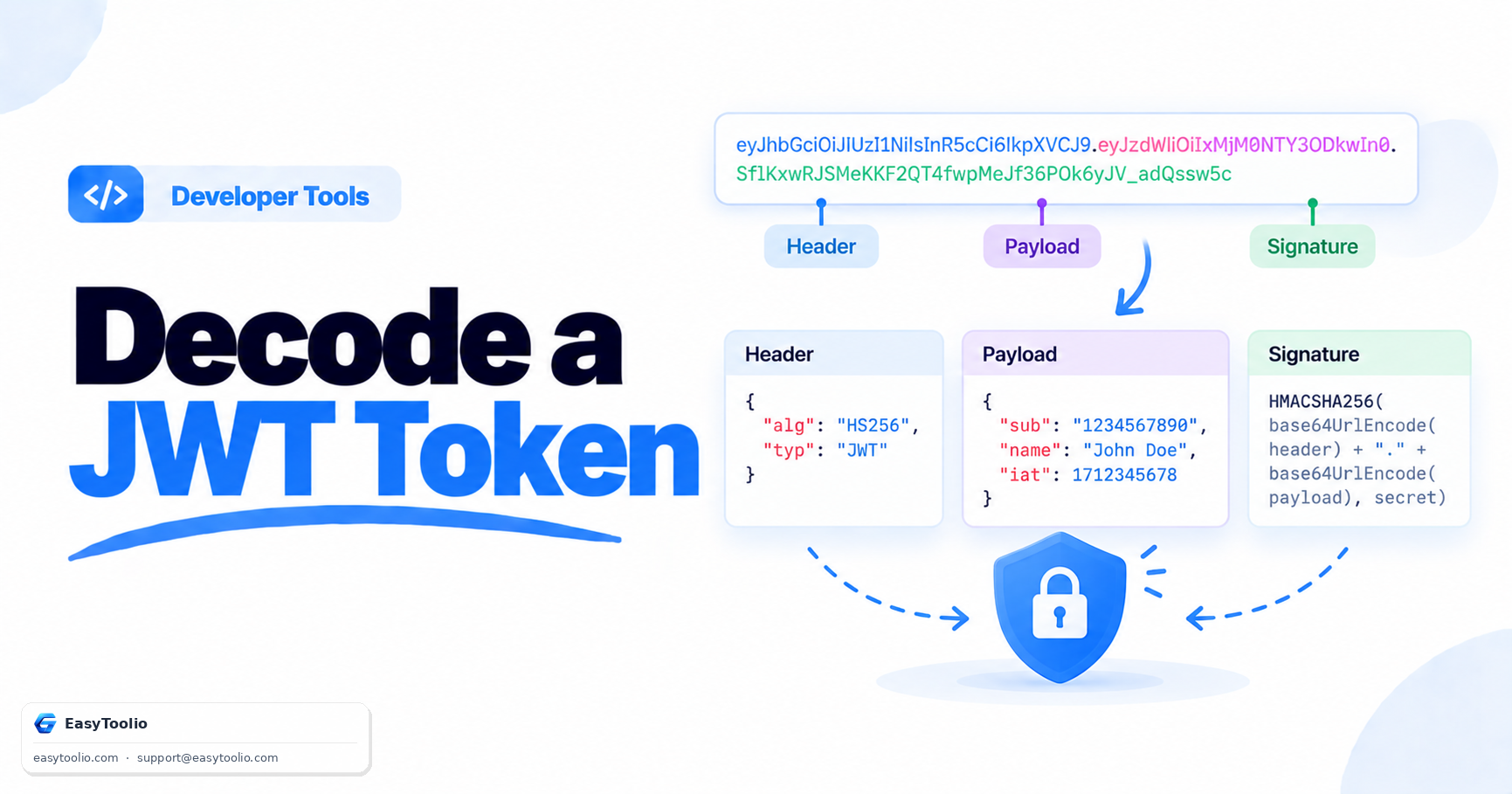
A: Standard Base64 includes +, /, and =, which have special meaning in URLs, so it needs additional URL-encoding, or you should use the "base64url" variant, which replaces those characters to be URL-safe directly (this is what JWTs use).
Q: Can Base64 detect if data has been corrupted or tampered with? A: No. Base64 has no built-in integrity checking. If you need to verify data hasn't changed, use a hash function like SHA-256 alongside it, not Base64 itself.