Structured data is how you tell a search engine explicitly what your content is, instead of leaving it to infer that from unstructured HTML and text. Schema.org is the shared vocabulary — jointly maintained by the major search engines — that defines the types (Article, Product, FAQPage, LocalBusiness, SoftwareApplication, and hundreds more) and the properties each type can carry.
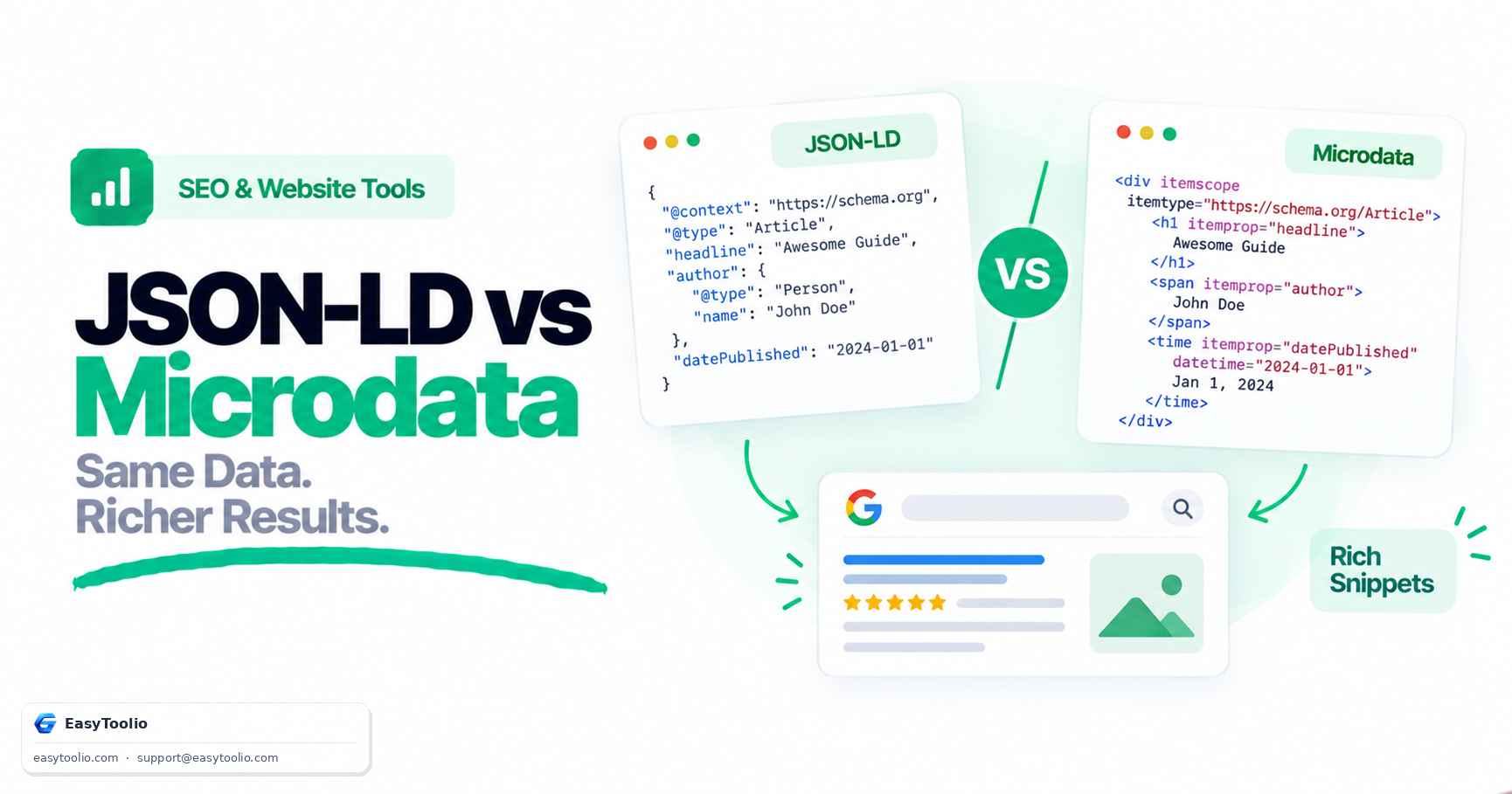
Direct answer: JSON-LD is the recommended way to implement Schema.org markup, because it's written as a single self-contained <script type="application/ld+json"> block that sits apart from your visible HTML — easy to generate, template, and validate. Microdata and RDFa achieve the same result by embedding itemprop/itemscope attributes directly inside the HTML elements they describe, which is more error-prone to maintain and easy to break when a template changes. Whichever syntax you choose, valid markup makes your content eligible for rich results — it does not guarantee they'll be displayed. Search engines still decide, per query, whether a rich result is shown.
Why Structured Data Matters
Search engines can often infer basic facts from unstructured HTML — a price-looking string near a product name, a date near a byline — but inference is unreliable and inconsistent across templates. Structured data removes the guesswork: an explicit "@type": "Recipe" with a prepTime property is unambiguous in a way that a sentence buried in body text isn't. That explicitness is what unlocks rich result eligibility (star ratings, FAQ dropdowns, product pricing, breadcrumb trails) and also feeds knowledge panels and, increasingly, AI-generated search summaries that rely on well-structured, unambiguous facts.
JSON-LD vs Microdata vs RDFa
| Format | Where it lives | Maintainability | Google's stated preference |
|---|---|---|---|
| JSON-LD | Single <script> block, separate from visible markup |
High — can be generated/templated independently of HTML structure | Recommended |
| Microdata | Inline HTML attributes (itemscope, itemprop, itemtype) |
Lower — breaks silently if the HTML structure changes | Supported |
| RDFa | Inline HTML attributes (property, typeof, resource) |
Lower — verbose syntax, less common in modern tooling | Supported |
JSON-LD example
<script type="application/ld+json">
{
  "@context": "https://schema.org",
  "@type": "SoftwareApplication",
  "name": "EasyToolio Calculator",
  "operatingSystem": "All",
  "applicationCategory": "FinanceApplication",
  "offers": {
    "@type": "Offer",
    "price": "0",
    "priceCurrency": "USD"
  }
}
</script>
Equivalent Microdata
<div itemscope itemtype="https://schema.org/SoftwareApplication">
  <h1 itemprop="name">EasyToolio Calculator</h1>
  <span itemprop="applicationCategory">FinanceApplication</span>
</div>
Both describe the same entity. JSON-LD is easier to maintain because updating the schema doesn't require touching the visible page structure at all — a template can inject the script block independently of how the page is styled or restructured over time.
RDFa, for completeness
RDFa is the least commonly used of the three formats today, largely because it predates JSON-LD's simplicity and requires even more verbose inline attributes than Microdata. It's still supported by search engines, but new implementations rarely choose it over JSON-LD unless an existing system (some publishing platforms, for instance) already outputs RDFa by default.
<div vocab="https://schema.org/" typeof="SoftwareApplication">
  <h1 property="name">EasyToolio Calculator</h1>
  <span property="applicationCategory">FinanceApplication</span>
</div>
The Three Layers That Have to Pass
Structured data fails for different reasons at different layers, and it helps to check them in order:
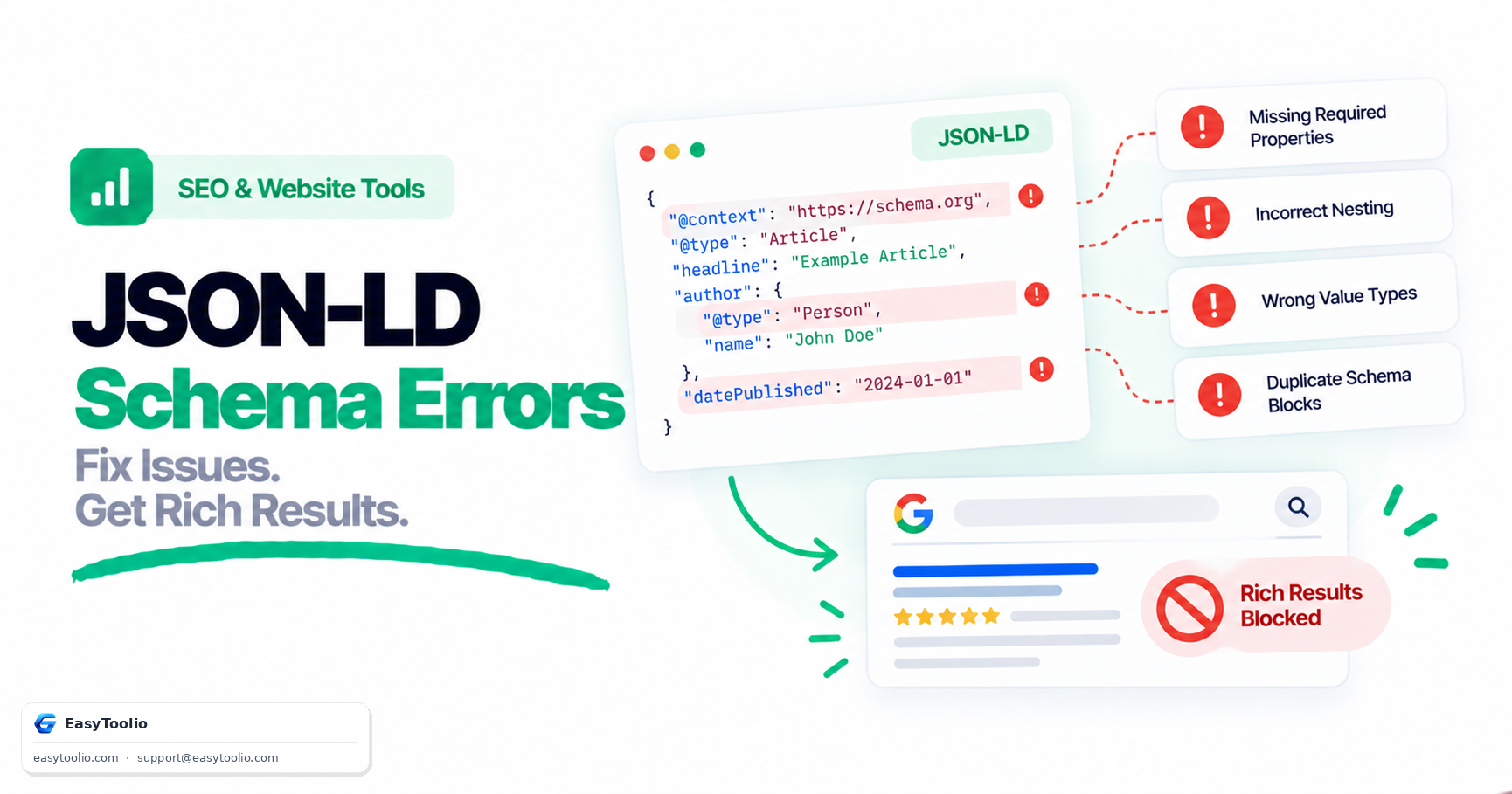
- JSON syntax validity — is the script block itself parseable JSON? A trailing comma or unescaped quote breaks the entire block silently.
- Schema.org vocabulary correctness — do the
@typeand property names actually exist in the Schema.org vocabulary, and are required/recommended properties present for that type? - Search engine feature requirements — beyond the general vocabulary, each search engine's rich-result documentation lists its own required and recommended properties per type (for example,
imageanddatePublishedfor Article rich results). Meeting the Schema.org spec doesn't automatically meet a specific rich-result program's requirements.
Valid JSON syntax → Valid Schema.org vocabulary → Search engine's rich-result requirements met → Eligible for that rich result
A markup block can pass step 1 and 2 cleanly and still not trigger a rich result because step 3's requirements weren't met — this is the most common source of "my schema validates but nothing shows up in search" confusion.
Practical Implementation Tips
- One entity per script block where possible. Bundling unrelated entities into a single nested block makes debugging harder when validation fails.
- Keep markup in sync with visible content. Search engines' guidelines generally require structured data to reflect content that's actually visible on the page — don't mark up a rating or price that isn't shown to users.
- Use
@graphfor multiple related entities on one page (for example, an Article plus its Author plus a BreadcrumbList) instead of stacking multiple separate script blocks. - Re-validate after template changes. Because JSON-LD is generated by a template, a change to that template can silently break the output for every page using it — worth checking after any redesign.
Choosing the Right Schema Type for a Page
A common mistake is defaulting to a generic type like WebPage when a more specific type exists and would unlock more rich-result options. A recipe page should use Recipe, not a generic Article; a tool page that runs an interactive calculation is often better represented as SoftwareApplication or WebApplication than a plain WebPage. More specific types carry more specific, and more useful, properties — a Recipe type supports prepTime, cookTime, and nutrition, none of which a generic Article type would meaningfully hold. Picking the most specific applicable type is usually the difference between markup that's technically valid and markup that's actually useful to a search engine.
Frequently Asked Questions
Does adding Schema.org markup guarantee a rich snippet in search results? No. It makes your content eligible; whether a rich result actually displays for a given query depends on the search engine's own algorithms, query intent, and overall content quality — not the markup alone.
Can I use JSON-LD and Microdata on the same page? Technically yes, but it's not recommended — maintaining two representations of the same data invites them to drift out of sync, and search engines may pick either one inconsistently.
Does structured data help with rankings directly? Not as a direct ranking factor. Its main effect is on how your result is displayed (rich snippets, eligibility for certain search features) rather than where it ranks.
What happens if my structured data contradicts the visible page content? Search engines may ignore the markup or, in cases of clear manipulation, apply a manual action. Structured data should always describe what's genuinely present and visible on the page.
How often should I re-check my schema markup? Any time you change a page template, migrate CMS platforms, or redesign a content type — since JSON-LD is usually generated programmatically, a single template bug can silently affect every page of that type at once.
Validate your JSON-LD structure and check for missing required properties with our schema markup validator, review the rest of your page's meta tags with the meta tag analyzer, and confirm social preview tags render correctly with the Open Graph checker.