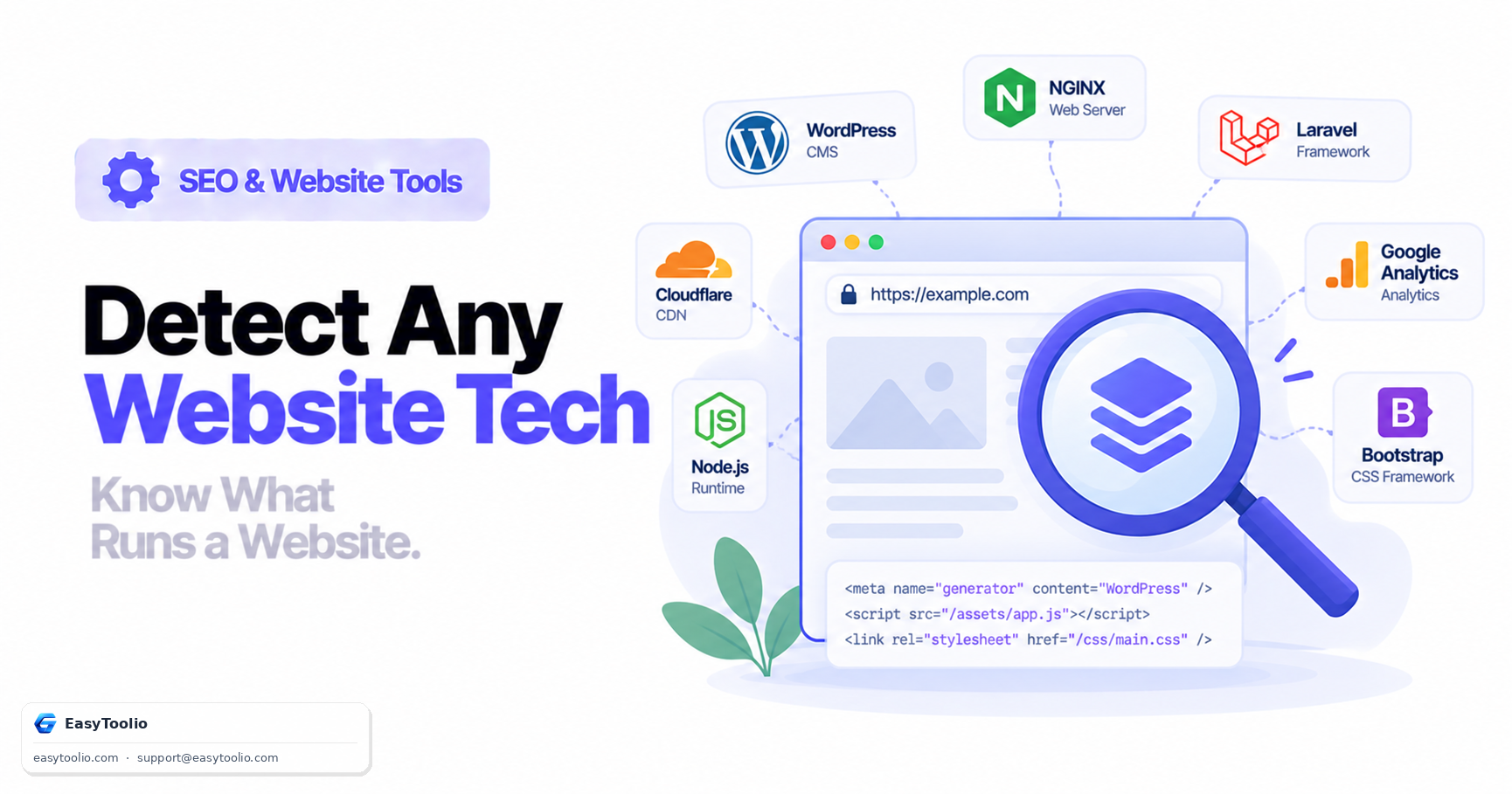
Every website leaks clues about how it's built — in its HTTP headers, its HTML markup, its JavaScript globals, even its cookie names. Technology detection ("fingerprinting") is the practice of reading those public signals to identify a site's CMS, web server, framework, and third-party services without needing access to its source code.
Direct answer: Website technology detection works by matching observable signatures — HTTP response headers like Server and X-Powered-By, HTML <meta name="generator"> tags, JavaScript global variables (window.wp, window.__NEXT_DATA__), CSS class naming conventions, script src URLs, and cookie names — against a known database of framework and platform fingerprints. No single signal is definitive on its own; detection tools build confidence by combining several matching signals at once.
Why Technology Detection Matters
Marketers use it to understand what platform a competitor's site runs on before proposing a migration or redesign. Developers use it to sanity-check what third-party scripts and analytics tags are actually loading on a page. Security researchers use it during reconnaissance to identify outdated software versions that might carry known vulnerabilities. And site owners should understand it because whatever they can detect about someone else's site, others can detect about theirs.
Common Detection Vectors
| Technology class | Detection vector | Example signature | What it reveals |
|---|---|---|---|
| Web server | Server response header |
Server: nginx/1.24.0 |
Web server software and version |
| Backend language | X-Powered-By header |
X-Powered-By: PHP/8.3 |
Server-side runtime |
| CMS platform | <meta name="generator"> |
content="WordPress 6.4" |
Content management system |
| JS framework | Global window objects |
window.__NEXT_DATA__, window.Nuxt |
Frontend framework |
| CSS framework | Utility class patterns | class="flex items-center md:space-x-4" |
Tailwind CSS vs Bootstrap vs custom |
| Analytics/marketing | <script src> patterns |
googletagmanager.com/gtag/js |
Analytics or tag manager in use |
| Session handling | Cookie names | PHPSESSID, laravel_session |
Backend framework or language |
| CDN/hosting | Header or DNS signature | cf-ray header, x-vercel-id |
Hosting or CDN provider |
How the Detection Actually Runs
A detection pass typically happens in three stages:
- Fetch the raw response. Read HTTP response headers and the unrendered HTML source — this alone identifies server software, generator tags, and obvious cookie names.
- Parse the DOM. Look for framework-specific markup patterns, data attributes, and inline script tags that reference known libraries.
- Evaluate client-side globals (where supported). Some detectors execute JavaScript in a headless browser to check for framework-specific global variables that only exist after the page fully renders — this catches frameworks that server-render minimal markup and build the page client-side.
Because step 3 requires actually executing JavaScript, purely static scanners miss client-heavy single-page apps more often than they miss traditional server-rendered sites.
Hardening Your Own Site's Fingerprint
Exposing precise version numbers (Server: Apache/2.4.41 (Ubuntu)) gives attackers a fast way to cross-reference your stack against public vulnerability databases for that exact version. You can't make a site undetectable, but you can reduce the precision of what's exposed:
# Nginx: suppress the version number from the Server header
server_tokens off;
; PHP: stop advertising the PHP version via X-Powered-By
expose_php = Off
// Laravel: avoid leaking framework-specific error pages in production
APP_DEBUG=false
Removing generator meta tags, minifying and renaming build artifacts, and disabling verbose error pages in production all help, but none of it is a substitute for actually keeping software patched — obscurity slows down casual scanning, it doesn't stop a targeted attacker.
Legitimate Uses of Technology Detection
Beyond competitive research, technology detection has a handful of routine, non-adversarial uses worth knowing about:
- Sales and partnership prospecting. Vendors selling a plugin, integration, or migration service often use detection to identify sites already running a compatible or competing platform before reaching out.
- Market research. Aggregated technology detection across large samples of sites (which CMS platforms are gaining or losing share, which analytics tools are most common in a given industry) is a standard input for market reports.
- Internal audits. Larger organizations with many microsites or legacy properties sometimes lose track of exactly what's running where; a fingerprint scan across their own domain portfolio is a fast way to rebuild that inventory.
- Due diligence. Before acquiring a site or business, a buyer often runs a technology assessment to understand what stack they'd be inheriting and how costly a future migration might be.
Detection Is Inherently a Best-Effort Process
No detection method is fully reliable in both directions. False positives happen when a site reuses a common class name or cookie format by coincidence rather than because it's actually running the associated framework. False negatives happen when a site is built on a heavily customized or obfuscated stack that doesn't match any known signature. Detection tools generally report a confidence level rather than a binary yes/no for exactly this reason — treat results as a strong indication worth verifying, not an absolute fact, especially for high-stakes decisions like due diligence.
Frequently Asked Questions
Can a site hide its technology stack completely? Not completely. Even with headers stripped and generator tags removed, structural signals — cookie naming conventions, URL routing patterns, JavaScript execution behavior, and asset bundling fingerprints — are much harder to eliminate than a single header.
Is technology detection the same as a security vulnerability scan? No. Detection identifies what software is running; it doesn't test whether that software is actually vulnerable. It's often the first reconnaissance step before a deeper security assessment, not a replacement for one.
Why does my competitor's site show an outdated framework version? Version numbers exposed in headers or generator tags reflect what the site advertises, not necessarily what's patched underneath — some platforms keep the public-facing version string static across security patches.
Does removing the X-Powered-By header improve SEO?
No, it has no direct effect on search rankings. It's a security and information-disclosure consideration, not a ranking factor.
What's the easiest signal to spot on most sites?
Meta generator tags and obvious script URLs (like a CMS-specific wp-content/ path or a page builder's branded script) are usually the fastest giveaway, since they require no header inspection at all.
Run a full fingerprint scan with our website technology detector, inspect raw response headers with the HTTP header analyzer, check meta tags including generator strings via the meta tag analyzer, and verify certificate and hosting details with the SSL certificate checker.