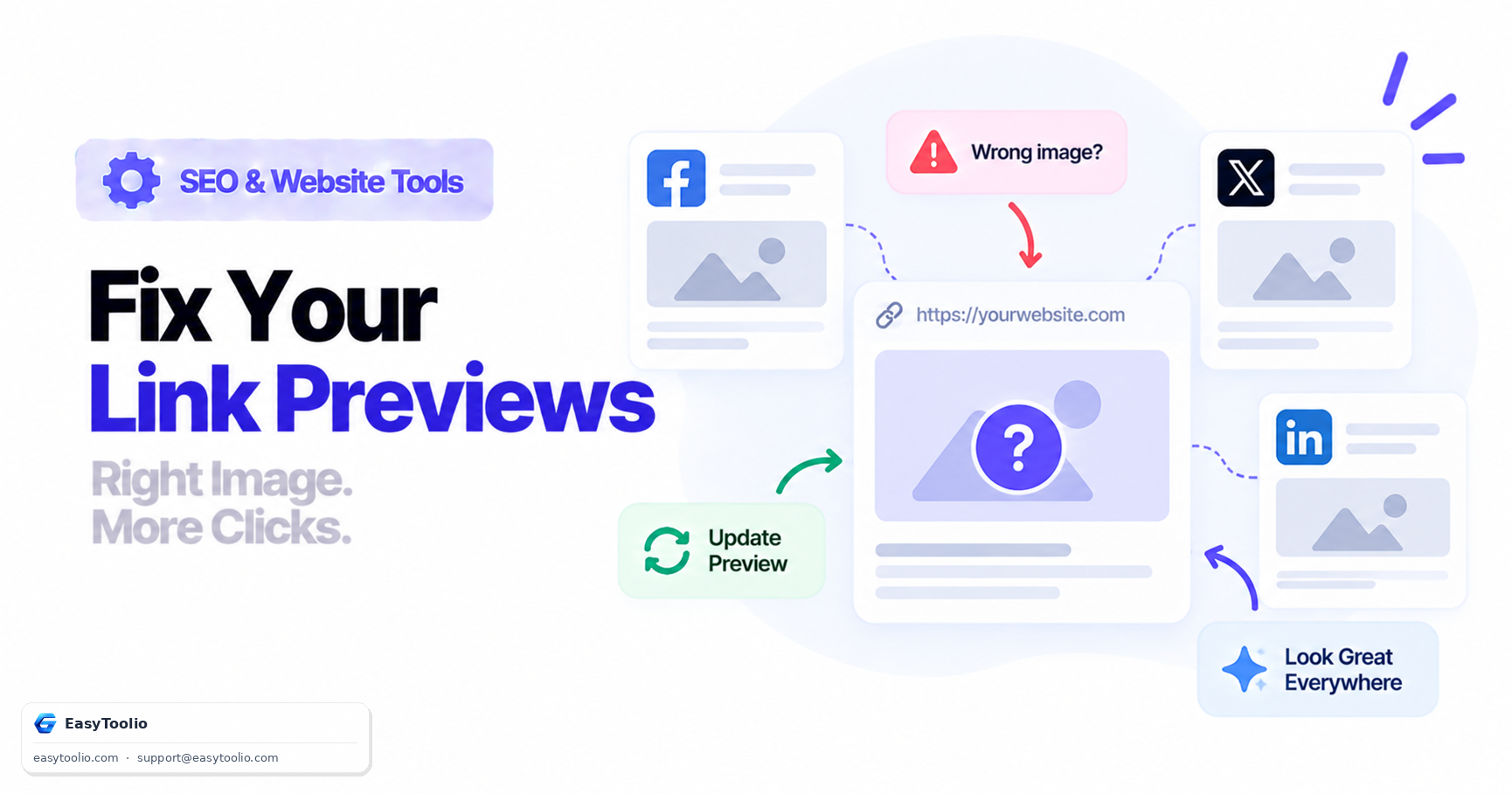
You update your og:image, republish the page, share the link — and Facebook still shows the old image. Or Twitter/X shows no description at all. Or LinkedIn's preview updated fine, but the exact same link still looks stale everywhere else. This is one of the most frustrating recurring issues in publishing, and the root cause is almost never a broken Open Graph tag — it's caching, and each platform's cache is completely independent of the others.
This is a troubleshooting guide for that specific, recurring frustration — not a walkthrough of how to write Open Graph tags from scratch.
Direct Answer: Facebook, Twitter/X, and LinkedIn each run their own crawler (Facebook's crawler, Twitterbot, LinkedInBot) that fetches your page's Open Graph tags once and then caches the result for an extended period, entirely independently of the other platforms. Editing your og:image or og:description after that first scrape does not update an already-shared link's cached preview on any platform — each one requires you to explicitly trigger a re-scrape through its own dedicated debugging tool.
1. Why Each Platform Caches Open Graph Data Separately
When a URL is shared for the first time on any platform, that platform's crawler fetches the page once, reads the og:title, og:description, and og:image tags, and stores a snapshot. Every subsequent share of that exact URL on that platform serves the cached snapshot instead of re-fetching the page — this is a performance optimization, since re-scraping on every single share would be wasteful. Critically, there is no shared cache between platforms: Facebook re-scraping your link has zero effect on what Twitter/X or LinkedIn have cached, and vice versa.
2. Common Wrong-Preview Symptoms and Their Real Cause
| Symptom | Likely Cause |
|---|---|
| Preview shows an old image after a site redesign | Platform's cached snapshot predates the redesign; page itself is correct |
| Description is blank or generic | og:description was missing at the time of first scrape, or robots rules blocked the crawler on that first attempt |
| Preview shows a random/wrong image, not your logo or hero image | og:image was missing at first scrape; platform fell back to the first <img> tag found in the page body |
| Facebook preview is fixed but Twitter/X still shows the old one | Independent caches — fixing one platform's cache has no effect on another's |
3. How to Force Each Platform to Re-Scrape
Each platform provides a dedicated tool that forces a fresh fetch of the current page and overwrites its own cached snapshot:
- Facebook Sharing Debugger (
developers.facebook.com/tools/debug/) — paste the URL and click "Scrape Again". This also clears the cache used by Instagram and WhatsApp link previews in most cases, though not always instantly. - Twitter Card Validator — still functions for x.com/Twitter links; submitting the URL triggers a fresh fetch of the current Twitter Card meta tags.
- LinkedIn Post Inspector (
linkedin.com/post-inspector/) — paste the URL to both preview and force LinkedIn's own crawler to re-fetch the page's Open Graph data.
1. Update og:image / og:description on the live page
2. Confirm the tags are correct with the open-graph-checker
3. Run the URL through EACH platform's own debug tool individually
4. Re-share the link only after each platform confirms the refreshed preview
Skipping step 3 for any one platform is the single most common reason "I fixed it but it's still wrong on Twitter" keeps happening — the fix on Facebook never touched Twitter's separate cache.
4. Preventing This the Next Time You Change the Image
Since caches key off the exact URL, a reliable workaround when swapping a shared image is to version the image URL itself (og-image-v2.jpg instead of reusing og-image.jpg), so a stale cache pointing at the old filename doesn't matter — new shares naturally pick up the new file. Verify your current tags render correctly and check for missing properties using our open-graph-checker before assuming the underlying markup is the problem.
5. Frequently Asked Questions (FAQs)
How often does Facebook automatically re-scrape a shared URL?
There's no fixed public schedule — Facebook's crawler may re-fetch a popular URL periodically on its own, but for any time-sensitive update, waiting for an automatic re-scrape is unreliable. Using the Sharing Debugger's manual "Scrape Again" is the only dependable way to force an immediate refresh.
If I clear Facebook's cache, does that also update the preview on Twitter/X?
No. Each platform's crawler and cache are fully separate systems. Clearing Facebook's cached snapshot has no effect whatsoever on what Twitter/X or LinkedIn have stored for that same URL — each platform needs its own tool run separately.
Why does WhatsApp still show the old preview even after I used the Facebook Sharing Debugger?
WhatsApp maintains its own separate link-preview cache that is not always cleared by Facebook's Sharing Debugger, and there is no equivalent public WhatsApp debugging tool. In practice, the most reliable fix is changing the og:image file's URL (not just its content) so WhatsApp's cache — keyed to the old URL — no longer matches what's currently being shared.
References: The Open Graph Protocol Specification (ogp.me), Meta for Developers Sharing Debugger Documentation.