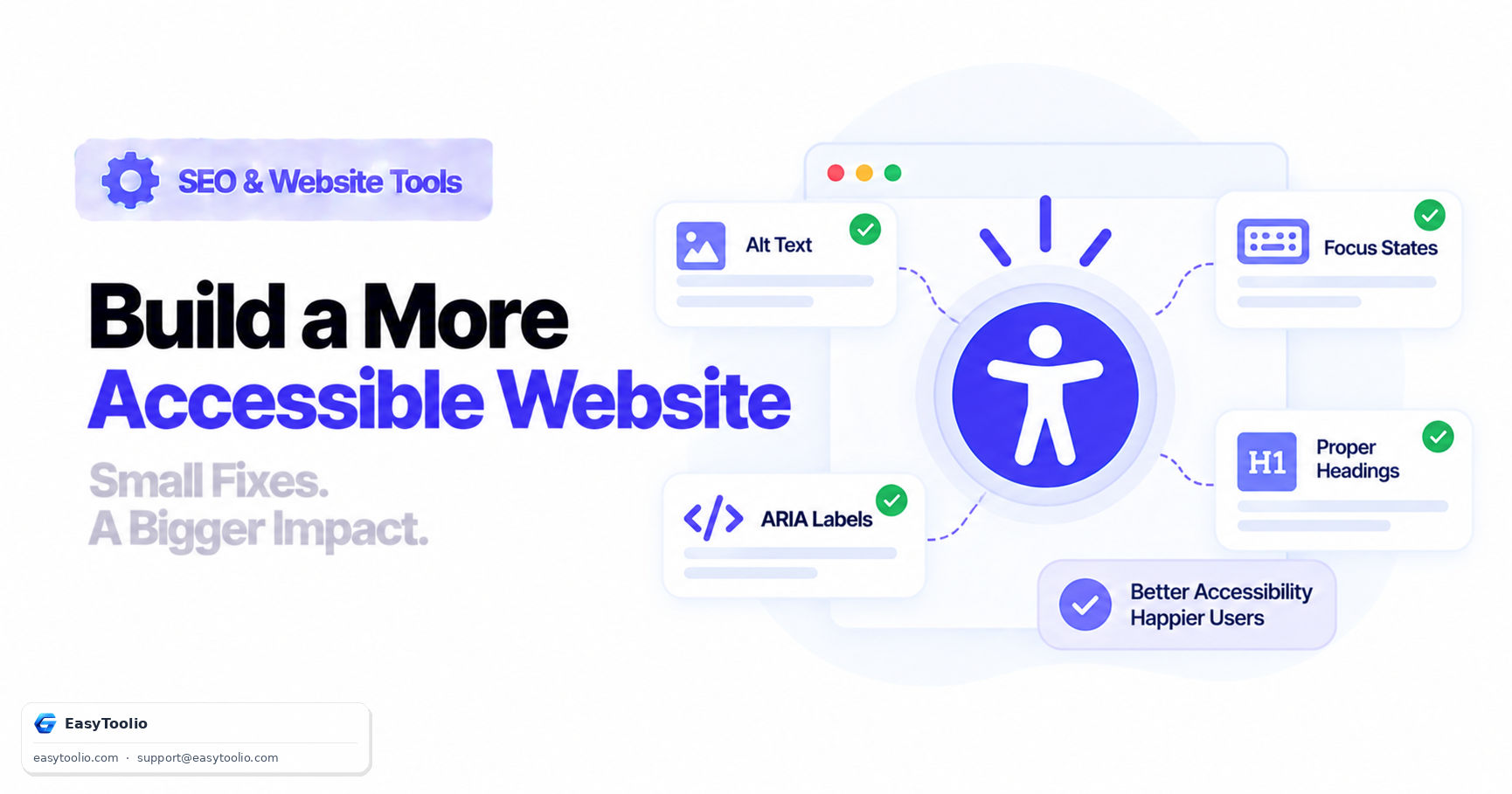
Reading through the full WCAG standard can be overwhelming when all you actually need is to fix the handful of issues that show up on nearly every real website. This post skips the standards-document framing and goes straight to the fixes that make the biggest practical difference for real users, with before/after code for each one.
Direct Answer: The accessibility issues that recur most often on real sites are: missing or generic image alt text, form inputs without an associated label, missing or suppressed visible keyboard focus indicators, and heading levels that skip a level (jumping from an <h1> straight to an <h4>, for example). Fixing these four issues resolves a disproportionate share of the accessibility complaints that actually affect real users, particularly people using screen readers or navigating by keyboard alone.
1. Fix #1 — Missing or Generic Alt Text
Screen readers announce an image's alt attribute in place of the image itself. If that attribute is missing, generic, or a leftover filename, a screen reader user gets no useful information at all.
<!-- ❌ BEFORE: Filename passed through as alt text — announces "image123 jpg" -->
<img src="/uploads/image123.jpg" alt="image123.jpg" />

<!-- ❌ BEFORE: Alt attribute missing entirely — screen reader may announce the raw filename or nothing -->
<img src="/uploads/team-photo.jpg" />

<!-- ✅ AFTER: Descriptive alt text conveying the actual content and purpose of the image -->
<img src="/uploads/team-photo.jpg" alt="Our five-person support team at the 2026 company retreat" />

<!-- ✅ AFTER: Purely decorative image — empty alt tells screen readers to skip it entirely -->
<img src="/icons/decorative-swirl.svg" alt="" />
The key distinction: informative images need a real description of what they show or what action they perform; purely decorative images should use alt="" (not omit the attribute) so screen readers skip them cleanly instead of reading out a filename.
2. Fix #2 — Form Inputs Without Associated Labels
A visible label sitting next to an input isn't enough on its own—screen readers need a programmatic association between the label and the field, or they'll either announce nothing useful or announce the wrong thing.
<!-- ❌ BEFORE: Label and input have no programmatic relationship -->
<span>Email Address</span>
<input type="email" name="email" placeholder="you@example.com" />

<!-- ❌ BEFORE: Placeholder text used as a substitute for a real label (disappears once typing starts) -->
<input type="email" name="email" placeholder="Email Address" />

<!-- ✅ AFTER: Explicit label association via matching for/id attributes -->
<label for="email-field">Email Address</label>
<input type="email" id="email-field" name="email" placeholder="you@example.com" />

<!-- ✅ AFTER ALTERNATIVE: Wrapping the input inside the label element -->
<label>
  Email Address
  <input type="email" name="email" placeholder="you@example.com" />
</label>
Placeholder text is not a substitute for a label. It disappears the moment a user starts typing, and many screen readers do not reliably announce placeholder content the way they announce a real label.
3. Fix #3 — Missing Visible Keyboard Focus Indicators
Keyboard-only users (including many people with motor impairments, and anyone temporarily without a working mouse) rely entirely on the visible focus outline to know where they are on the page as they press Tab. A common but damaging practice is stripping this outline for cosmetic reasons without replacing it.
/* ❌ BEFORE: Removes the focus outline with no replacement — keyboard users lose all visual tracking */
button:focus,
a:focus,
input:focus {
  outline: none;
}

/* ✅ AFTER: Keeps a clear, high-contrast focus indicator using focus-visible so it only shows for keyboard navigation */
button:focus-visible,
a:focus-visible,
input:focus-visible {
  outline: 2px solid #2563eb;
  outline-offset: 2px;
}
Using :focus-visible instead of :focus is a practical middle ground: it shows the focus ring for keyboard (Tab) navigation while not adding an outline on a plain mouse click, which is usually the actual design complaint that led someone to strip the outline in the first place.
4. Fix #4 — Skipped Heading Levels
Screen reader users frequently navigate a page by jumping between headings rather than reading linearly. If a page skips from <h1> directly to <h4>, the user loses the structural signal that there was supposed to be an <h2> and <h3> section in between, making the page's structure confusing rather than clear.
<!-- ❌ BEFORE: Heading level jumps from h1 straight to h4, skipping h2 and h3 -->
<h1>Business Hosting Plans</h1>
<h4>Included Features</h4>
<p>...</p>

<!-- ✅ AFTER: Heading levels descend one step at a time, reflecting actual content hierarchy -->
<h1>Business Hosting Plans</h1>
<h2>Included Features</h2>
<p>...</p>
<h3>Free SSL Certificates</h3>
<p>...</p>
Heading levels are frequently chosen for their default font size rather than their semantic level. If a heading needs to look smaller, resize it with CSS rather than dropping to a lower heading tag—the visual size and the semantic level are two separate concerns.
5. Running These Checks in Practice
None of these four fixes require a full accessibility audit to identify—they can be spotted by viewing page source, tabbing through a page with a keyboard, and running an automated scan to flag the more obvious cases at scale.
Scan a page for missing alt attributes, unlabeled form fields, and heading level skips using our website-accessibility-checker.
6. Frequently Asked Questions (FAQs)
Can an automated scanner catch all four of these issues reliably?
Alt text presence, missing form labels, and heading level skips are reliably caught by automated scans. Focus indicator visibility is partially detectable (a scanner can flag outline: none in CSS), but confirming the actual visible contrast and behavior when tabbing through the page still benefits from a manual keyboard check.
Is alt="" the same as leaving the alt attribute off entirely?
No, and this distinction matters. An empty alt="" explicitly tells assistive technology the image is decorative and should be skipped silently. Omitting the attribute altogether can cause some screen readers to announce the image filename or the full file path instead, which is a worse outcome.
Why not just always show a focus outline, including on mouse clicks?
You can, and some teams do for simplicity. Using :focus-visible instead is simply a way to satisfy both groups: keyboard users still get a clear visible indicator, while mouse users don't see an outline appear on every click, which is often the actual design objection that leads to outlines being removed in the first place.
References: W3C WAI Web Content Accessibility Guidelines (WCAG) 2.2 Recommendation, MDN Web Docs on :focus-visible.